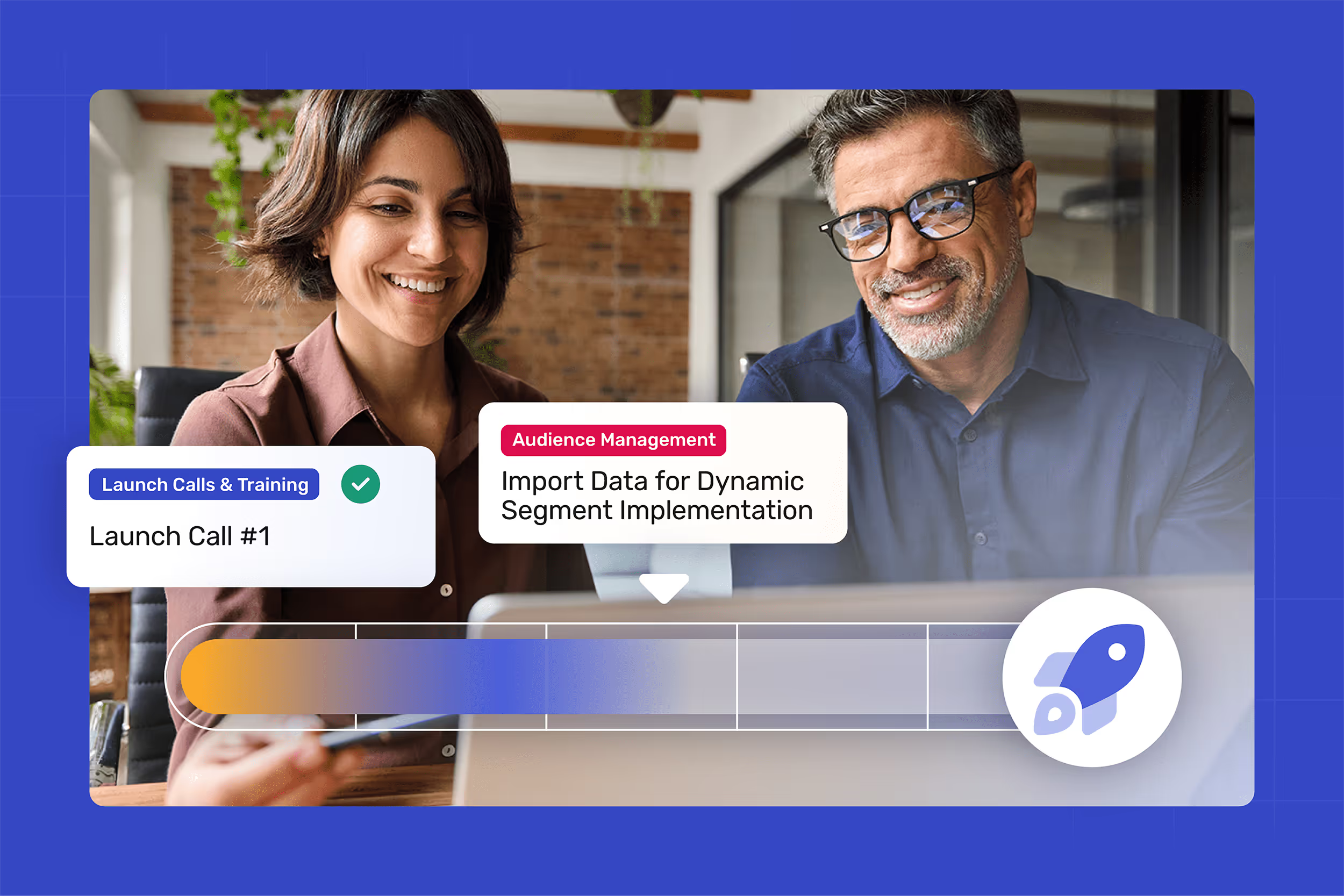

Seamless Integrations.
Zero Headaches.

From Government to Financial Services to Healthcare, see why organizations use Broadcast as the cornerstone for their employee communication.

Cerkl Broadcast no-code integrates with Workday, SAP, Peoplesoft, ADP, Paycor, Slack, Teams, SharePoint and more.

Why IT Teams Love Broadcast

You don’t have time for complicated setup or disconnected tools. Broadcast is built to fit into your existing tech ecosystem - syncing people data, plugging into your current channels, and aligning with your organization’s security requirements. That means faster adoption, cleaner data, and more confidence for your IT team.

Connect with People Data Systems

Integrate with HRIS and employee databases like Workday, SAP, PeopleSoft, ADP, Paycor, and Active Directory. Broadcast automatically keeps employee information up to date so targeting is accurate and communications reach the right people, every time.
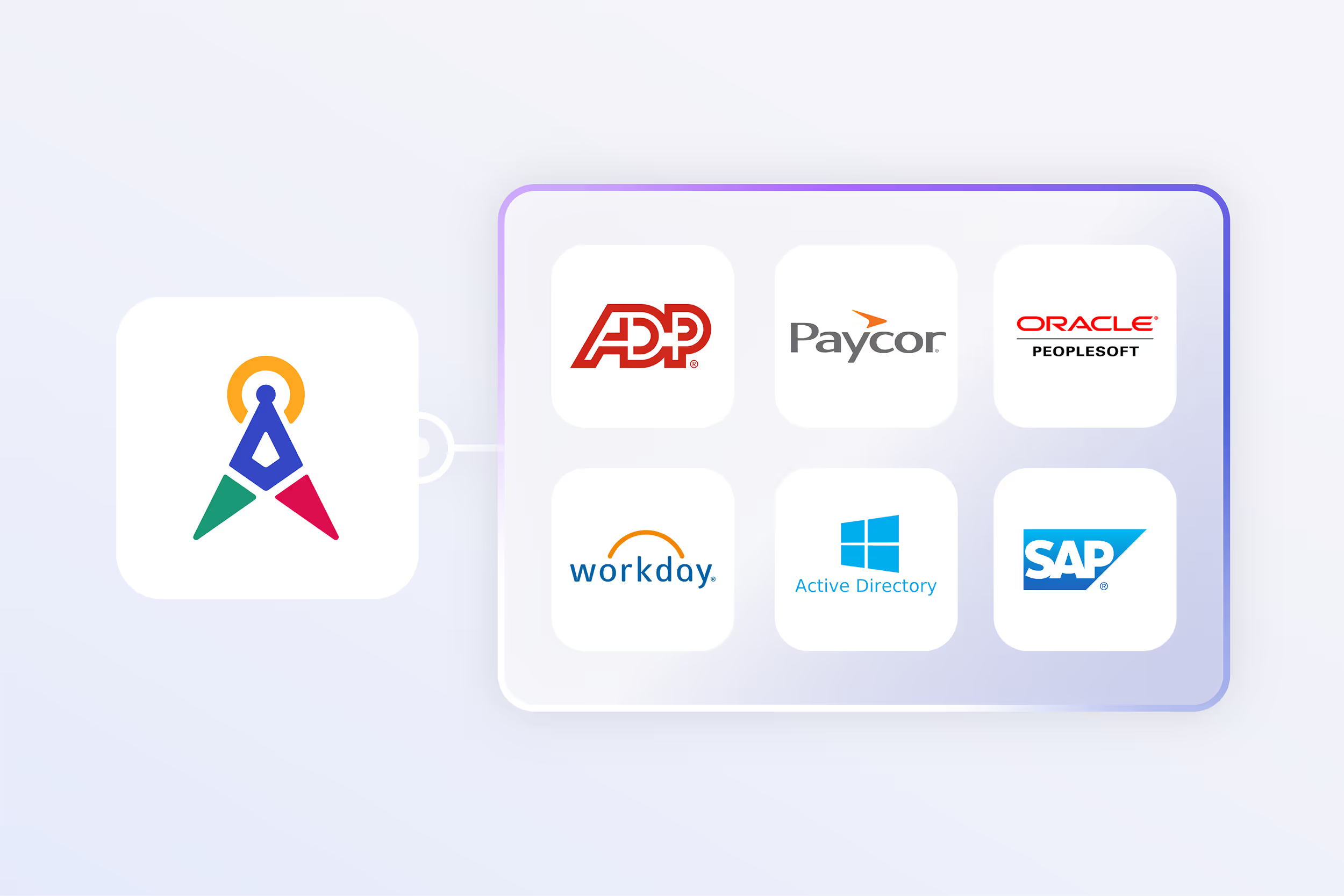
Broadcast offers seamless, secure integrations with Active Directory, Workday and other people data systems.

Publish to the Channels Employees Already Use

From SharePoint to Teams, Slack, Outlook, and Gmail, Broadcast extends your reach by meeting employees where they already work. No new apps to learn, no extra friction - just messages that flow naturally into existing channels.
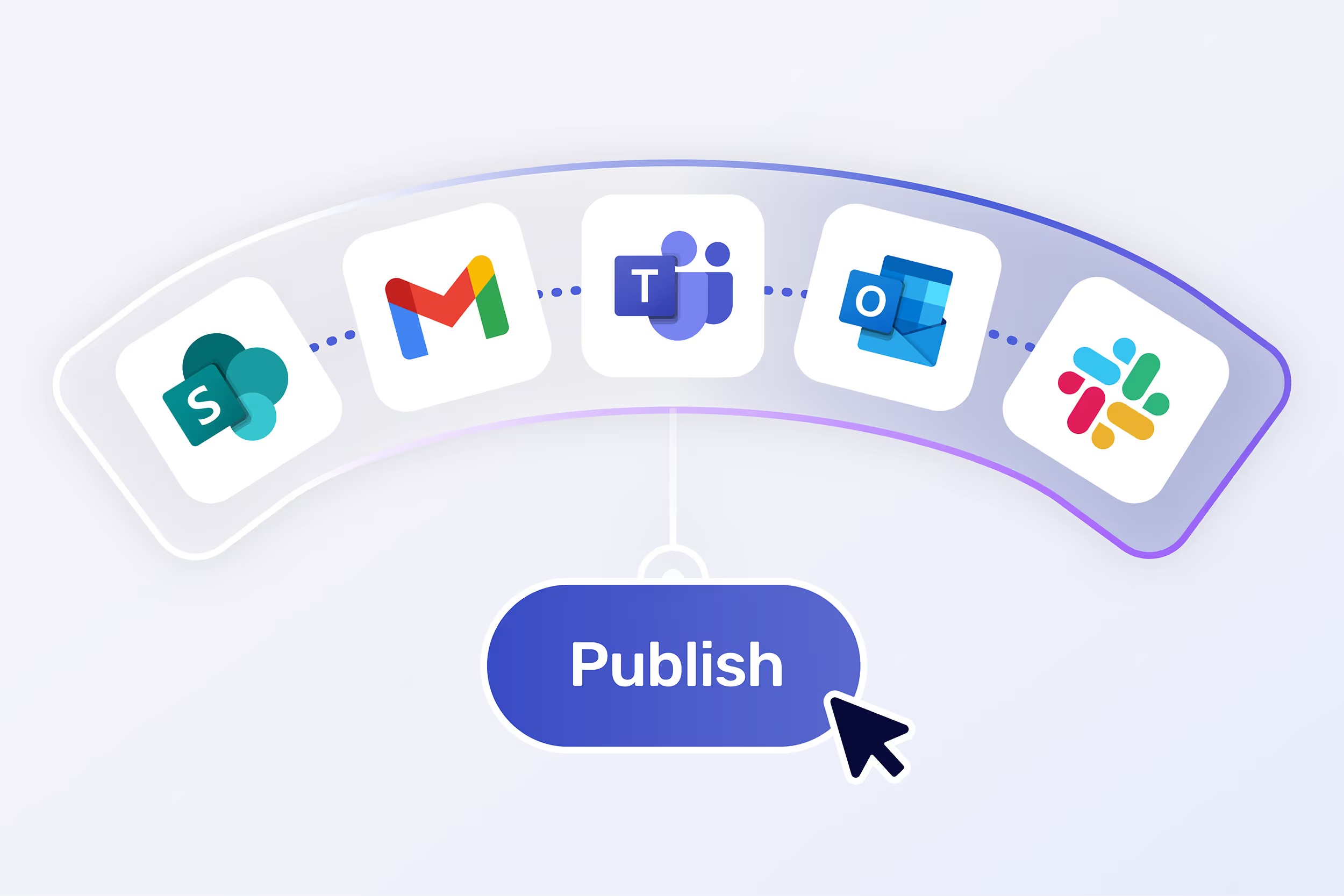
Broadcast no-code integrates with the most popular internal comms channels - Outlook, Gmail, SharePoint, Teams, Slack and more.

Enterprise-Grade Security and Compliance

Your data is protected with integrations into leading SSO providers and security systems. Broadcast is SOC 2 Type II certified, a Google Cloud Partner and encrypts data (both in-transit and at rest). VPAT available as well. Learn more about our security and compliance policies →
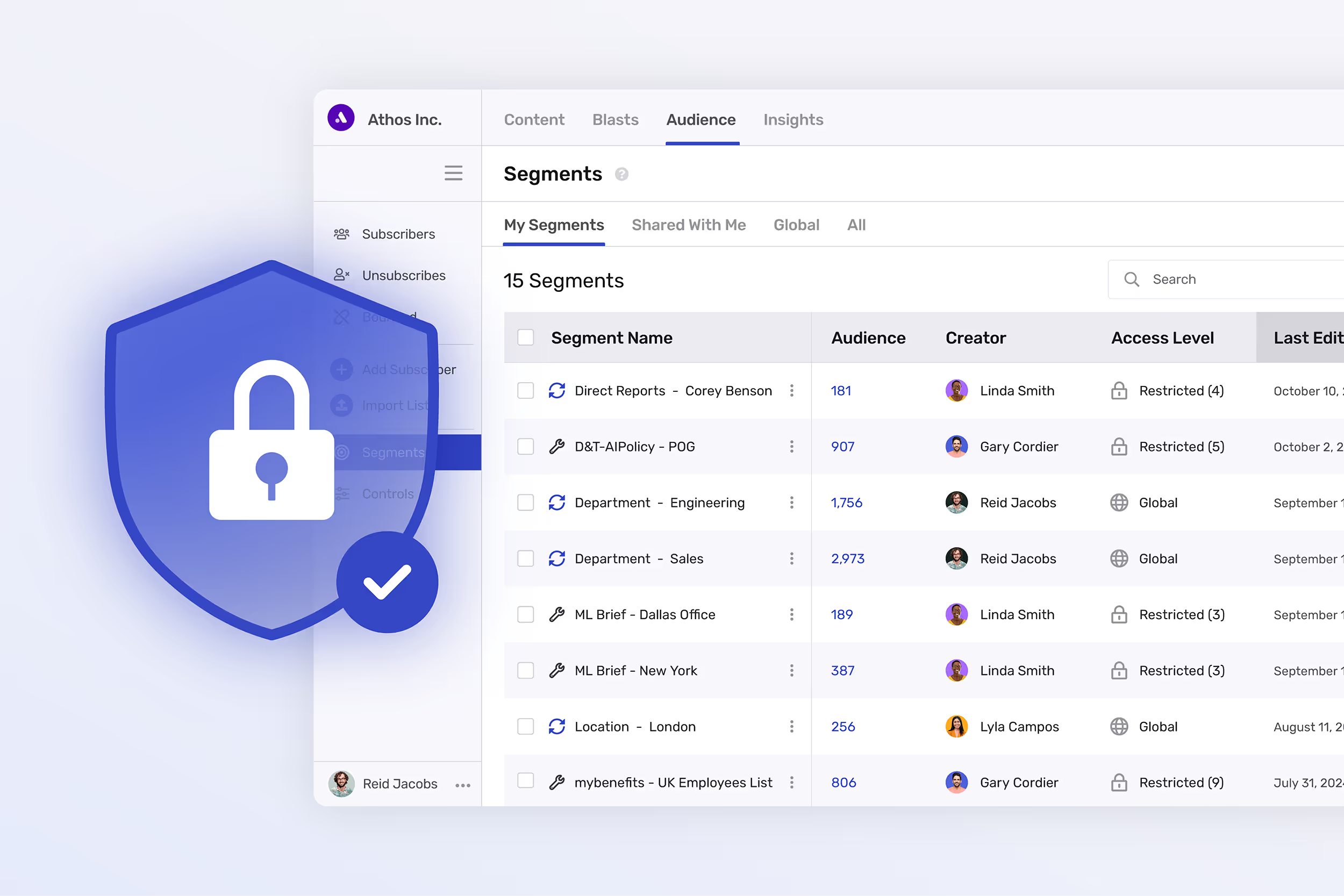
Broadcast offers enterprise-grade data security for all plans.

Built for IT and Comms Collaboration

Broadcast is designed to make life easier for both communicators and IT. Simple setup, secure connections, and ongoing interoperability mean less time troubleshooting and more time focusing on impact.
Broadcast provides a very light lift for IT making it easy for internal comms to start communicating in a modern way.

Broadcast Integration FAQs

Answers to common questions about people data and comms channels.

If you still have questions, just ask us!
Do emails sent through Broadcast still arrive in Outlook/Gmail and what do they look like to employees?
Yes. Messages sent through Broadcast are delivered directly to employees’ Outlook/Gmail inboxes just like any other internal email. There is no separate inbox, portal, or employee behavior change required.

Emails look and behave like standard messages from your organization. They come from a real sender, such as you, your team, or an executive, not a system address. Branding, formatting, and responsive design are preserved across devices, and employees can reply, forward, or search for messages exactly as they would with any other email.

From the employee’s perspective, nothing feels “tool-generated.” From the communicator’s perspective, you gain personalization, targeting, and analytics without sacrificing the familiarity and trust of the inbox.

What people data do I actually need to get started, and how rigid is that setup?
You can start with very little. Email address is required. Everything else is additive. Department, location, role, manager, tenure, or any custom attribute can be layered in when available. The system does not force a fixed schema, which means you can evolve your segmentation strategy over time instead of rebuilding it every quarter.
How often does people data update, and what happens if it’s slightly out of sync?
Data syncs on a schedule you control, most teams choose nightly. Segments update automatically as data changes. If someone moves departments or locations, they simply flow into the right audience on the next sync. There’s no manual list maintenance and no brittle exports. If data lags briefly, it doesn’t break sends or corrupt history. It just corrects itself.
Can I target real audiences without relying entirely on HR or IT every time?
Yes. Audience rules are created and owned by communicators. You are not locked into HRIS-defined groups. You can combine attributes freely, for example location plus role plus tenure, and those segments stay live over time. IT sets up the data connection once. You control the targeting going forward.
How does Omni AI decide what shows up where across channels like email, Teams, and Slack?
Omni AI uses a combination of explicit targeting rules and learned engagement behavior. Required messages go to everyone you specify, everywhere you specify. Everything else is prioritized per individual based on what they engage with. The result is not duplicate noise across channels but a coordinated experience where each employee sees the most relevant content in the channels they actually use.
What does the SharePoint integration actually do? Is it just a link or a real connection?
It’s a real connection. SharePoint surfaces a personalized Broadcast feed inside a web part. Content respects the same audience rules and personalization logic as email. Employees see different content in the same SharePoint space based on who they are. There’s no need to rebuild pages or manually curate per audience.
How does the Teams integration differ from just posting messages into channels?
Teams is not treated as a dumping ground. Broadcast delivers a personalized feed via the Teams app, not one-size-fits-all posts. That means employees are not overwhelmed by irrelevant announcements in shared channels, and communicators don’t have to choose between reach and relevance.
What happens if we already use Slack heavily? Will this add noise?
Slack integration allows you to push targeted content to specific channels or audiences, with unique links per user for accurate analytics. You control what content belongs in Slack versus other channels. Omni AI prevents duplication by learning which employees engage where, so Slack doesn’t become an echo chamber for email.
Do analytics still make sense when content is distributed across all these channels?
Yes, because engagement is normalized. An email open, a Teams view, and a SharePoint pageview are all treated as comparable signals at the content level. You can analyze performance by audience, channel, and topic without stitching together reports from five systems.
Two internal communicators raving about their internal email analytics through Broadcast.

Broadcast plugged right into our existing systems with almost no lift from IT. Employee data syncs automatically, and our messages flow seamlessly into Teams and email. It just works.

- Frank S., Director of IT, Financial Services Company

Where to next?

Let's discuss your environment

Schedule a Chat
IT thanking internal communicators for selecting Cerkl Broadcast.

Learn more about our launch process

Learn More
Internal communicators monitoring the launch of their Broadcast instance.