<script type="application/ld+json"> { "@context": "https://schema.org", "@type": "FAQPage", "mainEntity": [ { "@type": "Question", "name": "What is a feedback loop at work?", "acceptedAnswer": { "@type": "Answer", "text": "A feedback loop at work is the cycle of asking employees for input, deciding what to act on, telling them what changed, and confirming they saw that update. The loop is only closed when the employees who gave feedback can see the action taken because of it." } }, { "@type": "Question", "name": "How quickly should you follow up on employee feedback?", "acceptedAnswer": { "@type": "Answer", "text": "Follow up while the survey is still fresh in people's minds, ideally in the next regular staff email after results close. You don't need every change finished to send it. A follow-up that names what you heard, what you're doing, who owns it, and when, is better sent early than perfected late." } }, { "@type": "Question", "name": "What should you say if you can't act on the feedback?", "acceptedAnswer": { "@type": "Answer", "text": "Say so, and say why. A 'you said, we did' message should include what you're not doing and the reason, plus when you'll revisit it. Alaska Airlines follows up even when a report leads nowhere, telling employees 'we looked into it, but there's nothing.' A clear no keeps trust better than silence." } }, { "@type": "Question", "name": "What should a \"you said, we did\" message include?", "acceptedAnswer": { "@type": "Answer", "text": "Include what you heard, what you're doing with a named owner and a date, and what you're not doing and why. Send it to the same audience you surveyed, in the same channel you used to ask, so employees connect the answer to the question they responded to." } }, { "@type": "Question", "name": "How do you know employees saw the follow-up?", "acceptedAnswer": { "@type": "Answer", "text": "Add an acknowledgment to the follow-up email so each employee confirms they saw it, with a timestamp. Then re-send only to the people who haven't acknowledged. In Cerkl Broadcast, pulse-survey answers stay aggregated, so you confirm the update reached the surveyed audience without targeting anyone based on what they said." } } ] } </script>
Employee Feedback Loop: How to Close It and Prove You Acted
Employee Feedback Loop: How to Close It and Prove You Acted
An employee feedback loop closes when people see you acted. Four steps: collect, decide, send a "you said, we did" update, and confirm it reached everyone.
Written By:
Cerkl Research Team
Published:
October 29, 2026
Using Outlook or Gmail for your internal communication?
Foundations is free (forever) - purpose built for internal comms and includes everything you need to level up your game (email builder, analytics, pulse surveys and much more).
An employee feedback loop is the cycle of asking employees for input, deciding what to act on, telling them what changed, and confirming that message reached them. Most teams stop after collecting, and the loop only closes when the people who gave feedback can see you acted.
That last part is where the work is. Sending a survey takes ten minutes and reading the results takes an afternoon. Telling 400 people what you're doing about it, and knowing they saw the message, is the step almost everyone skips. You can run all four steps in one tool with no analytics team, so an office manager can do it as easily as a comms director.
What is an employee feedback loop?
An employee feedback loop is a repeatable process for turning what employees tell you into visible action. You collect input on one topic, decide what you'll change and who owns it, send a "you said, we did" update to the people you asked, and confirm that update reached them. Then you start again on the next topic.
Each step has one job. Collecting tells you what people think. Deciding turns a pile of responses into one or two commitments with names and dates attached. Communicating shows employees their input went somewhere. Confirming proves the follow-up landed, so you aren't guessing whether the people who raised the issue ever heard the answer.
The loop closes when the people who gave feedback can see you acted, and when you can show the follow-up reached them. A survey with no visible response is a one-way channel dressed up as a conversation.
This is narrower than a full listening strategy. How you build channels for employee voice across the year is a bigger design question; the feedback loop is what happens after any single round of listening. It is also what keeps employee engagement programs credible, because every survey you run without a follow-up makes the next one harder to fill.
Why does closing the feedback loop matter?
Because most employees don't see anything happen. In a Quantum Workplace survey of 1,068 employees from May 2023, 2 in 3 employees said their organization fails to act effectively on the results of employee surveys. That is the default experience your people bring to your next survey. They've filled these out before and heard nothing back.
Listening more pays off. Qualtrics surveyed 33,831 full- and part-time employees in September and October 2025 for its 2026 Global Employee Experience Trends research, and engagement was 87% at employers that increased listening in 2025, compared with 44% at those that listened less. In the same study, 42% of employees said they want their leaders to listen more. The appetite is there, which makes silence after a survey even more costly.
Engagement was 87% at employers that listened more vs 44% at those that listened less, a reason to close the feedback loop.
Silence costs trust in a specific way. Speaking at Ragan's closing fireside, Amazon's Hilary Sparrow put it bluntly. "When employees are giving feedback into a void, that is a huge trust buster." The Ragan account of that session adds what Amazon found when it dug into its own data, that "we'd lost trust in the system itself." Unanswered feedback costs you more than one issue, because employees lose faith in the survey as a way to raise anything.
The first failure is silence after the survey. Results go to leadership, leadership discusses them, maybe a project starts, and nothing goes back to the employees who answered. From their side, the survey vanished. The next time you ask, fewer people respond, and the ones who do are more cynical.
The second is the vague follow-up. "Thanks for your feedback, we're reviewing the results" counts as a response, but it says nothing about what changed or who owns it. Employees read it as a polite version of silence, and they're mostly right.
The third failure is quieter. Nobody checks that the follow-up was read. The update goes out in a company-wide email, and the comms team moves on. Nobody knows whether the night shift or the field team ever saw it, so the people who raised the problem may be the ones who never heard the answer. An open rate won't tell you, because security scanners and privacy settings open emails on employees' behalf.
How do you close the feedback loop with employees?
Closing the feedback loop with employees takes four steps and one tool. Each step below is small enough to run in a normal week, and the whole cycle fits inside your regular email to staff.
Four steps of an employee feedback loop: collect, decide, communicate, confirm. Most teams stop after collecting.
Step 1: How do you collect feedback without survey fatigue?
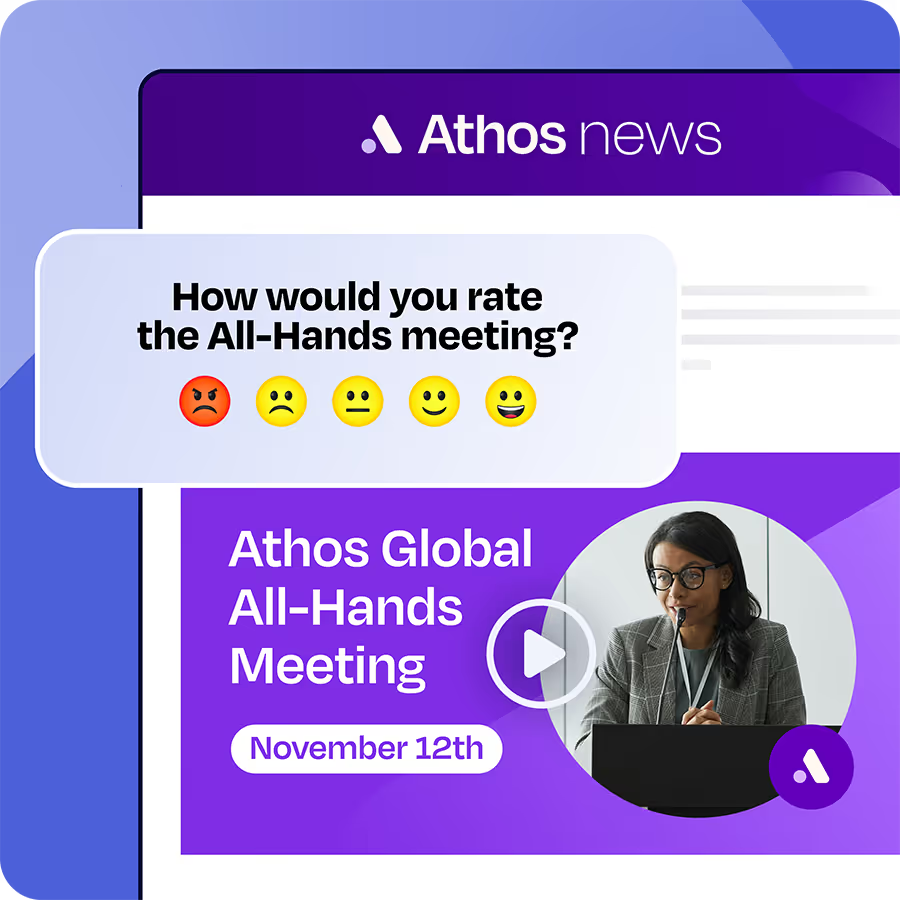
Ask less, more often. A long annual survey produces a mountain of data months after anyone remembers the questions, while a single-question pulse survey inside a regular email gets a quick read on one topic while it's still live. If the question is about the new shift-swap process, ask it the week people are using the process.
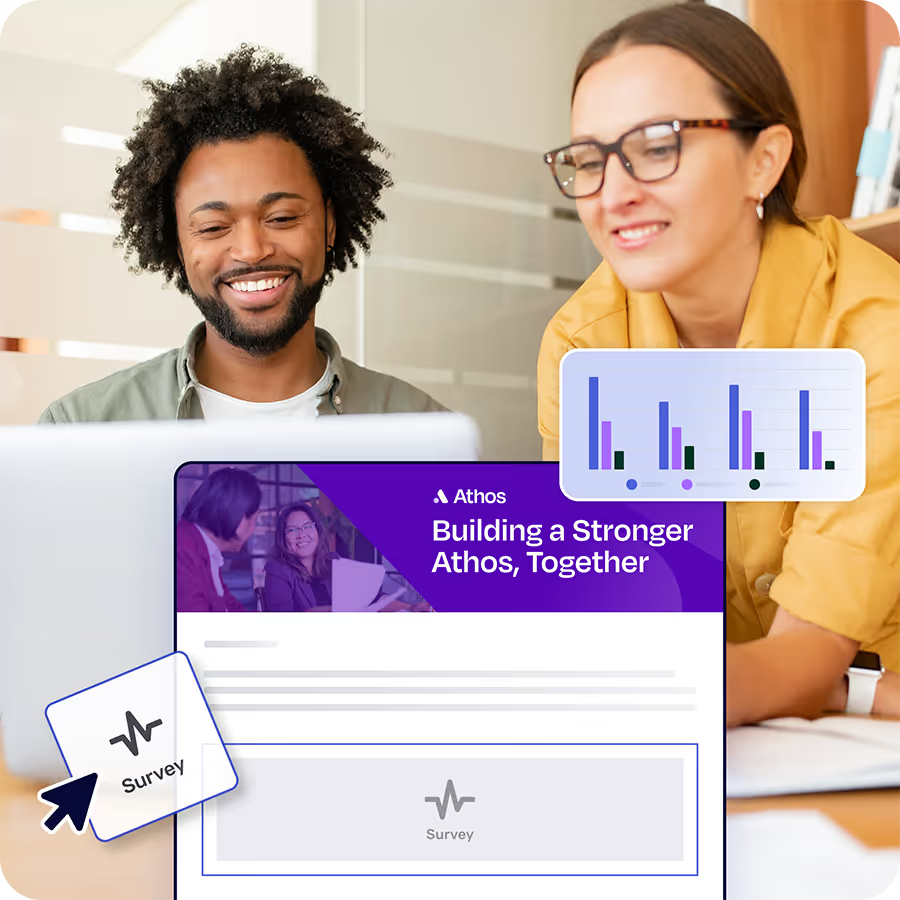
In Cerkl Broadcast, a pulse survey is a single-question block you drop into an email, using either a range scale or a positive/negative reaction. Results are aggregated, so you see the response rate and the average response, never which employee gave which answer. That works in your favor, because you'll read the results as the view of the whole group.
Step 2: How do you decide what to act on?
Pick one or two things. Responses will point in a dozen directions, and trying to act on all of them is how you end up acting on none. Ragan's profile of how XPO's internal comms lead reported on an app rollout is a useful model. Her team's dashboard tracked at least 250 data points, and she brought leadership one. The article's takeaway is that "selecting the one to three that are the most germane to your conversation and will inform action" is "a critical part of using data to tell a story." The Ready, Listen, Action session Ragan runs on this topic frames the same job as filtering real patterns from noise.
Then name an owner and a date for each commitment. Employees expect leadership to own this. In the same Quantum Workplace panel, 76% of employees said senior leaders are responsible for taking action on surveys. An action item with no named leader reads as no action at all.
Decide what you're not doing as well, and why. If the most common complaint is shift length and you can't change it this year, put that decision in the follow-up. Finally, decide how you'll know whether the change worked. The employee engagement metrics you already track are usually enough; pick the one that should move and check it next quarter.
Step 3: How do you write a "you said, we did" message?
A "you said, we did" message covers what you heard, what you're doing (with an owner and a date), and what you're not doing and why. Ragan's webinar framing tells communicators to close the loop visibly by "showing employees what's changing, what isn't and why."
The third part is the one teams skip, and it does the most for trust. Alaska Airlines, speaking at the same Ragan fireside, follows up even when a report leads nowhere, telling employees "We looked into it, but there's nothing." Sparrow summed up the session with "consistency really is trust." Telling people no, with a reason, is still closing the loop.
Copy this structure and fill in the brackets.
You said: the shift-swap process takes too long. We're doing: moving swaps to one form, live by [date], owned by [name]. We're not doing (yet): changing shift length, because [reason]. We'll revisit in [quarter].
Send it to the same audience you surveyed, in the same channel you used to ask. If the question arrived in the Friday all-staff email, the answer should too. People connect the follow-up to the question faster when it shows up where they answered.
Step 4: How do you confirm the follow-up reached everyone?
Add an acknowledgment to the "you said, we did" email. Each employee clicks to confirm they saw the update, and Broadcast records a timestamp against their name, so you get a per-person list of who has and hasn't confirmed, which an open rate can't give you.
Then check who hasn't acknowledged and re-send only to them. Broadcast's retargeting lets you send the same email to everyone who hasn't confirmed the acknowledgment, up to 180 days after the original send, so the rest of the company doesn't get the email twice. Each sent email can be retargeted once, so give the original a few days to collect acknowledgments before you schedule the retarget. Afterward you can tell leadership exactly how much of the surveyed audience confirmed the follow-up.
Be precise about what this proves. Acknowledgments confirm the follow-up reached the audience you surveyed. They tell you nothing about who answered what, because pulse-survey results are aggregated and Broadcast doesn't show who said what. The full method for proving employees read internal comms goes deeper on acknowledgments and read proof.
How do you run the whole feedback loop in one tool?
Keep it in your email. Every step above happens inside the same internal email workflow, so you skip the separate survey platform and the spreadsheet of responses. In Foundations, the loop looks like this.
Collect with a pulse survey block in your regular staff email.
Communicate with a "you said, we did" email to the same audience, with an acknowledgment added.
Confirm by retargeting only the employees who haven't acknowledged.
All of it runs on every plan of Cerkl Broadcast, including Foundations, which is free forever. Pick one topic from your last survey, write the three-part follow-up this week, and send it with an acknowledgment attached. The next time you ask for feedback, people will have a reason to answer.
If you're frustrated with Outlook or Gmail for your employee emails, we understand.
That's why we built Foundations. Purpose-built for internal email with all the features you wish you had - drag-and-drop email builder, analytics, employee segmentation and much more. All for free (forever). No credit card, no contracts, no setup fees.
A feedback loop at work is the cycle of asking employees for input, deciding what to act on, telling them what changed, and confirming they saw that update. The loop is only closed when the employees who gave feedback can see the action taken because of it.
How quickly should you follow up on employee feedback?
Follow up while the survey is still fresh in people's minds, ideally in the next regular staff email after results close. You don't need every change finished to send it. A follow-up that names what you heard, what you're doing, who owns it, and when, is better sent early than perfected late.
What should you say if you can't act on the feedback?
Say so, and say why. A "you said, we did" message should include what you're not doing and the reason, plus when you'll revisit it. Alaska Airlines follows up even when a report leads nowhere, telling employees "we looked into it, but there's nothing." A clear no keeps trust better than silence.
What should a "you said, we did" message include?
Include what you heard, what you're doing with a named owner and a date, and what you're not doing and why. Send it to the same audience you surveyed, in the same channel you used to ask, so employees connect the answer to the question they responded to.
How do you know employees saw the follow-up?
Add an acknowledgment to the follow-up email so each employee confirms they saw it, with a timestamp. Then re-send only to the people who haven't acknowledged. In Cerkl Broadcast, pulse-survey answers stay aggregated, so you confirm the update reached the surveyed audience without targeting anyone based on what they said.
Did you enjoy this content? Please share it with your internal comms friends and colleagues. Just click on any of the links below.