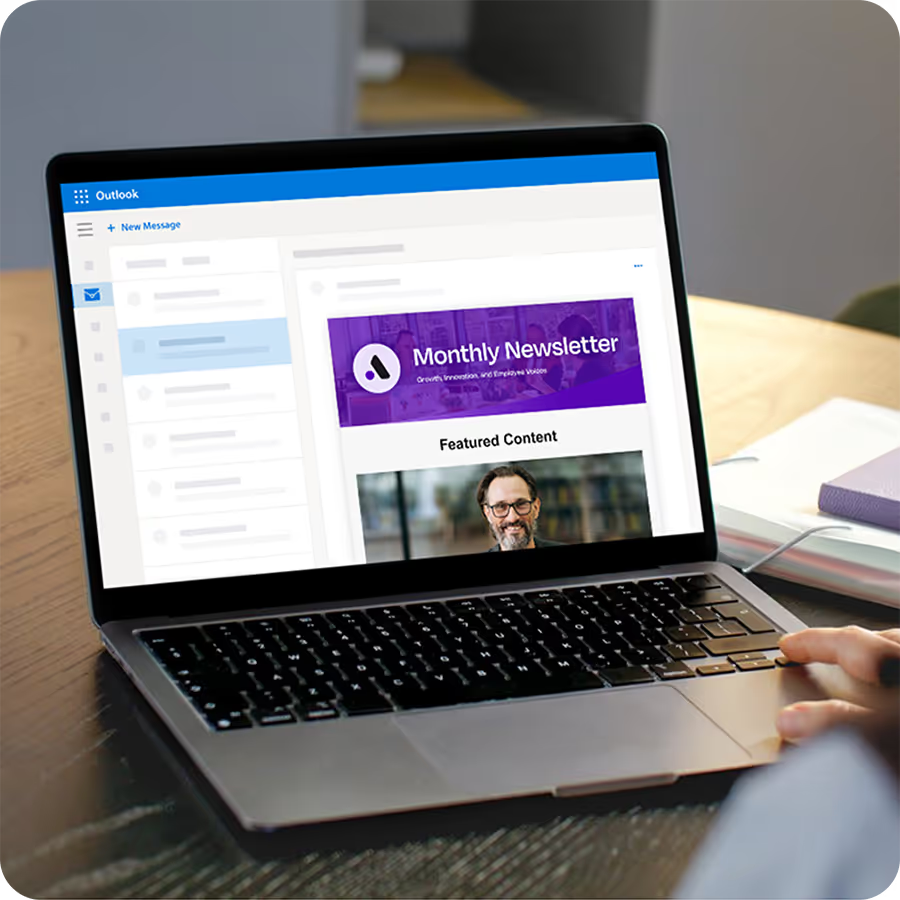
If you own employee communication, the most useful thing to know right now is that a Microsoft outage splits your messages into two groups, the ones you sent and the ones anyone can confirm arrived. Connectivity problems that began shortly before 1 p.m. ET on Thursday took down Outlook and other Microsoft 365 services, and CNBC reported that Microsoft worked to restore service nearly 24 hours after they began. Microsoft said it was "deeply sorry for the disruption this incident has caused our customers and partners," and for internal comms teams the work now is practical. This post gives you a plan for the next 48 hours and shows how Cerkl Broadcast helps you check what reached people, follow up on what mattered, and keep a second path open for the next outage. It is the same lesson the CrowdStrike outage and internal communications taught the last time a vendor failure hit the workplace.
What a Microsoft outage does to employee email
CNBC reported that Outlook, the email and calendar service, was largely down along with other Microsoft 365 services such as SharePoint and Copilot, and Teams was among the affected services. Governments and businesses across several regions said they were monitoring the situation. Microsoft attributed the disruption to an issue during an earlier network capacity upgrade.
For a communicator, the pain is the uncertainty the outage leaves behind. Anything scheduled for Thursday afternoon, from a benefits reminder to an all-hands link, went out into a system that could not confirm whether people were reading mail. Your sending tool may show a clean send. Your employees may have seen nothing. Closing that gap is the first job, and it starts with understanding what your own reporting can and cannot tell you.
Why "delivered" does not mean "in the inbox"
Most email sending tools, including internal communications platforms, work the same way during a Microsoft outage. The tool keeps sending from its own infrastructure, because it does not run on Microsoft's. The handoff at the other end changes. In most sending tools, "delivered" means the receiving server accepted the message, not that it landed in a person's inbox where they could see it. Once Exchange accepts a message, when it appears in an inbox is up to Microsoft.
Cerkl Broadcast reports delivery the same way. During this outage, sending continued on Cerkl's own infrastructure, and a message marked delivered means the receiving server accepted it. That is a real signal, but it is not proof of a read, and a communicator who treats the two as the same will overestimate how many people saw an urgent message sent mid-outage.
What to do in the next 48 hours
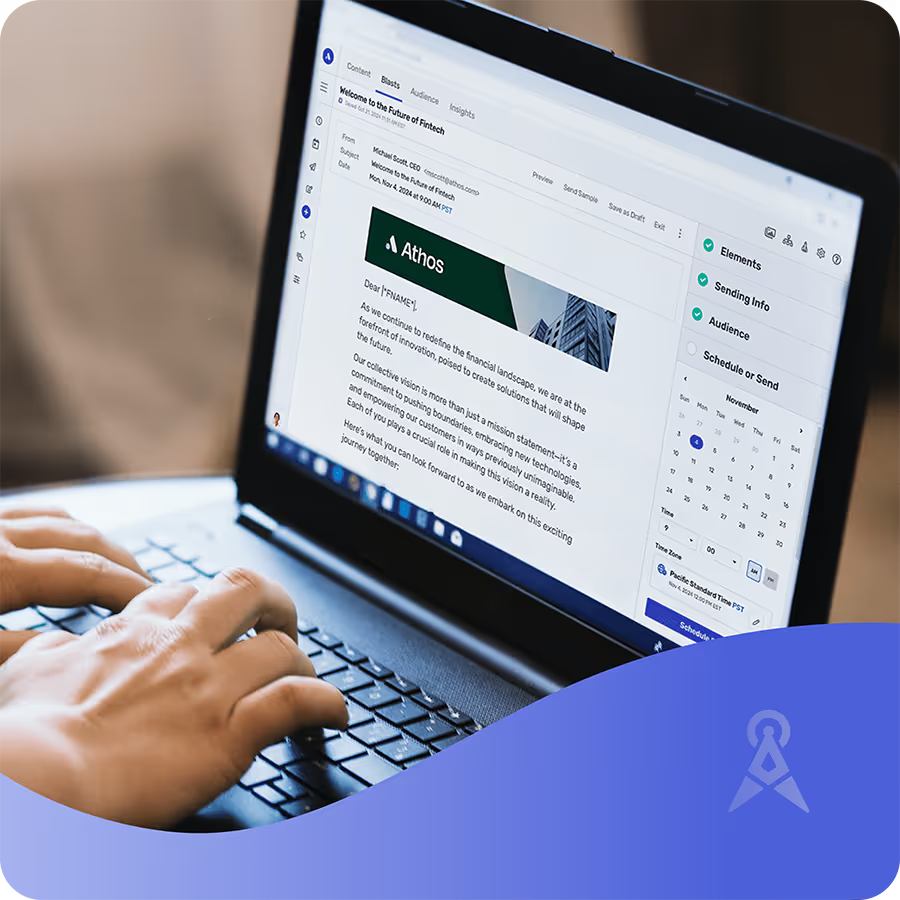
Start with a review of what went out during the window. Pull the messages sent from the afternoon of the outage until service stabilized and rank them by how much it would hurt if someone missed them. A routine newsletter can wait. A deadline or a safety notice cannot. In Broadcast, open Blast Insights for each one to see delivers, opens and clicks side by side.
Bring IT into the conversation early, since they can see Exchange queues and know when mail started flowing normally again. That timing tells you which messages were most likely delayed rather than lost, which changes whether you need to resend at all.
For the messages that matter, follow up only with the people who did not open or click, using email retargeting for employees. In Broadcast, you choose the Blast under Sent, pick Retarget Blast, and choose who to reach. Broadcast drops anyone who engages before the follow-up sends, so people who caught up late don't get a second copy. Retargeting is available on all plans, and teams on the free Foundations plan can read how it works in this guide to Cerkl Blast email retargeting. Retarget thoughtfully, though. Open and click data may not capture every read, so a person who read your message in a preview pane may still get the follow-up. A short note that acknowledges the disruption ("In case yesterday's email didn't reach you") lands better than a bare resend.
Finally, repost the essentials where employees can reach them, and pair it with a short word from leadership about what happened. On the Omni AI plan, you write the update once in Broadcast and publish it to the mobile app and Slack at the same time, and it lands in the Content Archive too. The crisis communication playbook covers the leadership messaging in more depth.
Relying on multiple employee communication channels?
Broadcast Omni AI helps large organizations deliver personalized communication across email, mobile, Teams, intranet, and more. Content orchestration at scale.
Learn more about Omni AIBeyond the inbox, don't let one vendor be your only channel
Risk consultant James Owen of Control Risks told CNBC the incident highlights a business "resilience and dependency issue that has been decades in the making." Internal communications has the same dependency in miniature. Email and Teams sit on one vendor's network, so when that network fails, the channel you would normally use to tell people what is happening fails with it.
This is why Teams and SharePoint are not backups for Outlook. They are Microsoft surfaces, and they went down together. A real fallback has to run somewhere else, which is the practical case for an omnichannel employee experience built so that no single vendor outage silences the whole organization. Most employees will keep using Outlook every day, so keep it and name a second path for the day it is unavailable.
What an internal communications continuity plan includes
Owen added that "this shows the importance of proper recovery planning in the case of an IT outage." For internal communications, recovery planning comes down to decisions made in advance rather than during the incident. A workable internal communications continuity plan has five parts. A pre-approved "if email is down" message, written and ready to send, saves the first hour of an outage. One place employees already know to check, such as a mobile app or a status page, keeps people from guessing. A path for frontline and off-network staff matters because they are often the people least likely to be at a desk when email fails. A named owner and IT contact list means nobody is hunting for a phone number mid-incident. And a named backup channel for each audience tells you who gets reached where, so the plan does not depend on everyone using the same tool.
How Broadcast keeps employee comms running
Sending in Broadcast ran on Cerkl's own infrastructure throughout this outage, so scheduled Blasts and News Digests kept going out while Microsoft worked on recovery. Afterward, retargeting lets you give an important message a second chance with only the employees who did not open or click.
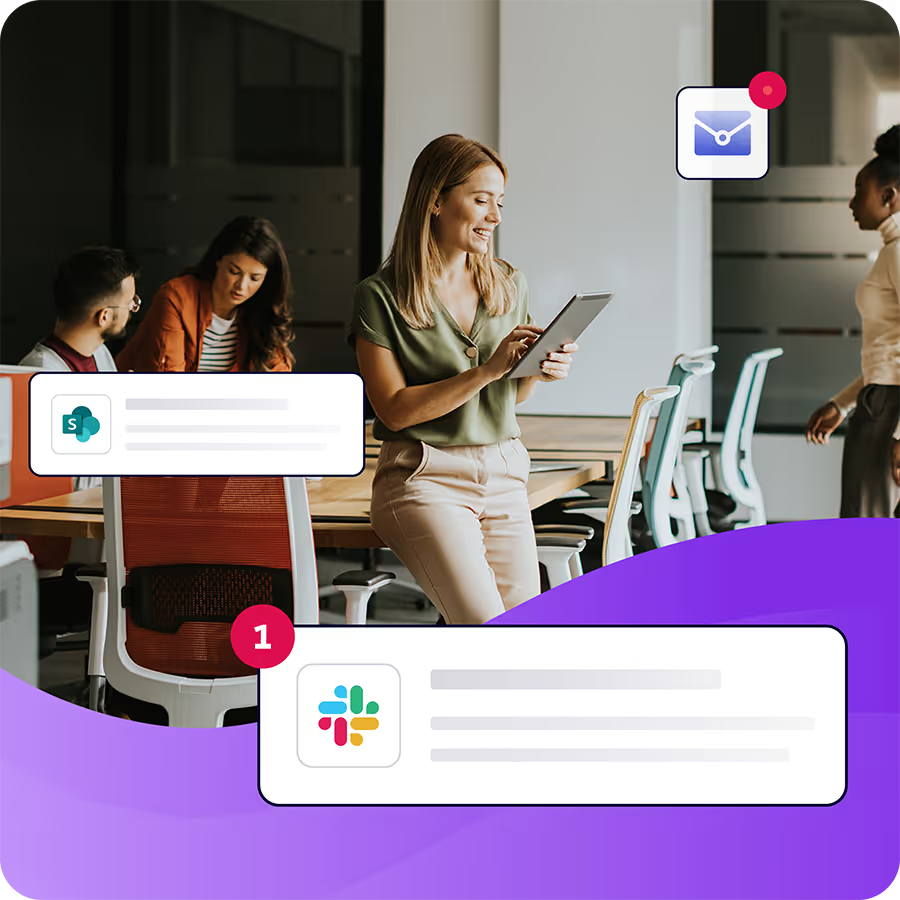
The bigger advantage is a second path. With Cerkl Broadcast omni-channel publishing, you author a message once and publish it by email, to the mobile app and to Slack, with the same story in the Content Archive. The Content Archive, the mobile app and Slack did not depend on Microsoft email during this outage, so employees could still reach published content there. The mobile app and Slack publishing are part of the Omni AI plan. Frontline staff can sign in to the app with a workspace name and unique ID instead of an email address, which gives people without a corporate inbox a way in.
Broadcast cannot push mail through a Microsoft server that is down. That is why the answer is to keep the inbox and add resilience around it, so one vendor's bad day never becomes your whole communication plan.
Build the plan now with a short checklist
The week after an outage is when leadership is paying attention, which makes it the easiest time to get a continuity plan approved. A short list is enough to start.
- Draft and pre-approve an "if email is down" message, with a named person authorized to send it.
- Choose one place employees will check first when email is unavailable, and tell them now.
- Confirm a path to frontline and off-network employees that does not depend on a corporate inbox.
- List owners and IT contacts, with a phone number that does not route through Microsoft.
- Name a backup channel for each audience, and confirm someone can publish to it.
- Decide in advance who gets a follow-up after an outage, and use retargeting to reach only the people who did not engage.
Your next step is the smallest one. Pick the messages you sent during the outage that mattered most, and find out whether they landed. Then try retargeting free on Cerkl Foundations, or see how one message reaches every channel with omnichannel publishing in Omni AI.
Outlook works for email. Internal communication needs more.
Why use a tool not built for internal communication when Foundations is free? No credit card, no setup fees, no contracts.
Learn more about FoundationsFAQ
What happened in the Microsoft outage on November 12, 2026?
Connectivity problems that began shortly before 1 p.m. ET on Thursday took down Outlook and other Microsoft 365 services, including SharePoint and Copilot, across several regions. Microsoft attributed the disruption to an issue during an earlier network capacity upgrade and worked to restore service nearly 24 hours after the problems began. Amazon said its own services were operating normally.
Why did my email show as delivered if employees did not get it?
Delivered means the receiving server accepted the message; reaching the inbox is a separate step. Once Exchange accepts a message, when it appears in an inbox is up to Microsoft. During an outage, a message can be marked delivered and still sit in a queue.
How do you communicate with employees when Outlook and Teams are down?
Use channels that do not run through Microsoft 365, such as a mobile app or a web page employees know to check, and send a short pre-approved message pointing people to it. Teams and SharePoint are Microsoft surfaces and go down with it, so they cannot serve as the backup.
What should an internal communications continuity plan include?
A pre-approved message for when email is down, one place employees know to check, a path for frontline and off-network staff, a named owner and IT contact list, and a named backup channel for each audience.
Should I resend an important message after an email outage?
Resend only what matters, and only to people who did not open or click, since open and click data may miss some reads. Acknowledge the disruption in the follow-up, and check with IT first on whether the original message was delayed rather than lost.
Did you enjoy this content?
Please share it with your internal comms friends and colleagues.
Just click on any of the links below.