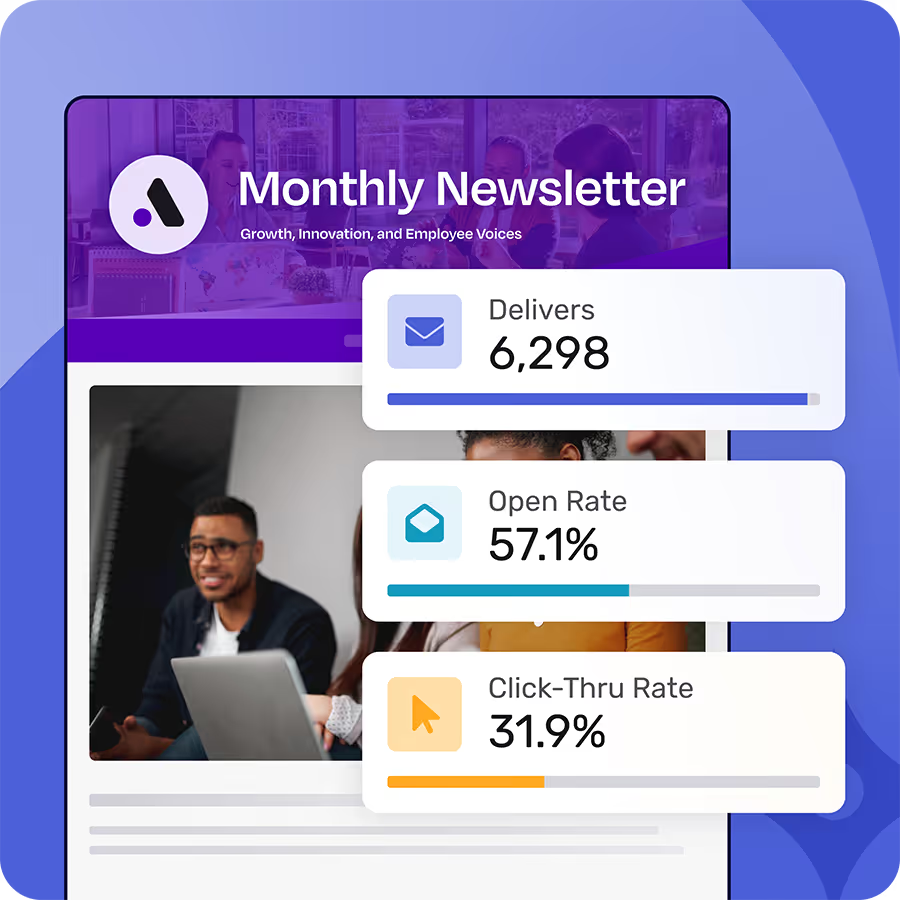
Most internal communicators have access to engagement data. Open rates, click-throughs, segment breakdowns. The numbers are there after every send. The problem is that having data and knowing what to do with it are different things. Teams look at their metrics, note whether the number feels high or low, and move on to drafting the next message. Nothing changes. This post is about closing that loop. Three signals deserve close attention: open rates, click data, and segment performance. Each one tells you something specific, and each one points to a different fix.
How to Use Open Rates to Sharpen Your Subject Lines
Open rate reflects whether your subject line and send timing earned attention. It is the one metric you can act on before a reader sees your content, which makes it the clearest starting point for improvement.
Internal email open rates run higher than external marketing email. A healthy range for employee communications is 40–60%, with well-targeted sends often reaching 70% or above. If you are landing in that range, your subject lines are doing their job. If you are consistently below 35–40%, something upstream is not working.
When open rates are low, the most common culprits are subject lines that are too vague, too long, too corporate, or indistinguishable from every other message in the inbox. Timing matters too. Sends that land Friday afternoon or early Monday tend to underperform, not because the content is bad, but because the window for attention is narrow.
The most practical test you can run right now: pull open rates from your last ten sends and sort them from highest to lowest. Look at the top three and the bottom three. What did the higher-performing subject lines have in common? Specificity? A sense of deadline? A department name or someone's actual name in the subject? The pattern you find there is more useful than any generic subject line tip. Then take your two lowest-performing sends from the last quarter and rewrite their subject lines using what you learned. That exercise alone will change how you write them going forward.
Internal emails shouldn't be a black box.
Foundations shows who opened, clicked, and engaged with your employee communications so you know what’s actually working. All for free - forever.
Learn more about FoundationsHow to Use Click Data to Tighten Your CTAs
A high open rate with low click-through is a useful signal: the subject line worked, but the content or the call to action did not. Open rate tells you whether people entered. Click rate tells you whether they did anything once inside. The gap between the two is where most internal comms performance problems live.
The most common CTA mistakes in internal email are not mysterious. Too many links compete for the reader's attention, and none of them get clicked. Calls to action are written as passive invitations ("click here for more information," "learn more," "view the attached") instead of direct asks tied to something specific. Compare "click here to read the benefits update" to "submit your benefits selection by Friday, May 16." The second version gives people a reason to act and a deadline that makes it real.
What tells you the most is link-level data. If your email included four links and three of them received zero clicks, the audience is telling you what they do not care about. The link that did get clicked is the content worth building around in your next send. Foundations' Insights dashboard shows which links drove action, so you are not guessing at what resonated. A fast test for your next send: limit the email to a single primary CTA and compare the click rate to your average. It is a low-risk change that often produces a meaningful lift.
How to Use Segment Performance to Find Targeting Gaps
Aggregate engagement numbers can hide what is happening inside your audience. A 45% open rate across the company might reflect 70% engagement among corporate employees and 20% among field workers. Those are two different realities, and the single-number average gives you no useful signal about either one.
Segment-level data, broken down by department, location, role, or employment type, shows you which groups consistently underengage. That pattern is rarely random. It usually means the content is not relevant to them, the language is written for a different type of worker, or the timing does not match their schedule.
A practical example: if operations employees consistently underperform on HR benefits emails, the problem is probably not that they do not care about benefits. The message was written for a desk worker reading their laptop at 9 a.m., and an operations employee on a shift has a different context. That diagnosis points to two possible fixes: rewrite the content so it speaks to their reality, or segment the send so each group gets a version that maps to their situation.
Pull your last three sends and compare open and click rates across whatever segments you have available. Look for consistent outliers in both directions. Segments that consistently outperform your average are worth studying. Segments that consistently underperform are the ones with a targeting or relevance problem worth solving.
Engagement data is not a report card. It is a feedback loop. Every send gives you information about your audience you did not have before, and the communicators who improve their messaging over time are the ones who use that signal rather than filing it away. Open rates, click data, and segment performance are a starting point. As your communications program grows in complexity, more advanced analytics and segmentation become available, but the habit of acting on what the data tells you starts with these three.
If you're frustrated with Outlook or Gmail for your employee emails, we understand.
That's why we built Foundations. Purpose-built for internal email with all the features you wish you had - drag-and-drop email builder, analytics, employee segmentation and much more. All for free (forever). No credit card, no contracts, no setup fees.
Learn more about FoundationsFAQ
What is a good open rate for internal communications emails?
Internal email open rates run higher than external marketing email. A healthy benchmark for employee communications is 40–60%, with well-segmented or timely sends reaching 70% or higher. If your open rates are consistently below 35%, the most likely causes are vague or generic subject lines, poor send timing, or email frequency that has caused readers to tune out.
How is internal email open rate different from marketing email open rate?
Internal email open rates are higher because the audience is a captive one. Employees have a built-in reason to pay attention to company communications. They are not opt-in prospects the way consumer email subscribers are. External marketing benchmarks typically run 20–40% for well-performing lists, so comparing internal performance to those numbers will make most comms programs look artificially strong.
What does a low click rate on internal email tell you?
A low click rate usually means one of three things: too many links competing for attention, a passive or vague call to action, or content that is not relevant enough to motivate action. If your open rate is healthy but your click rate is low, the subject line is working but the content or CTA is not. The fix is in the email body, not the subject line.
How do I use segment data to improve internal comms?
Break your open and click rate data down by department, location, role, or employment type. Look for audience groups that consistently underperform. That pattern usually signals a relevance or content mismatch. The message may be written for a different type of worker, or sent at a time that does not work for their schedule. Use that information to either rewrite the content for that segment or split the send so each group gets a version tailored to their situation.
How often should I review my internal communications analytics?
After every send, at minimum. The most useful habit is to look at open and click rates within 48–72 hours of a send while context is fresh. You will remember what the subject line said and what CTA you included. Beyond that, a monthly or quarterly review of trends across sends is where you will spot consistent patterns, like which departments underperform or which send days outperform.
Did you enjoy this content?
Please share it with your internal comms friends and colleagues.
Just click on any of the links below.



.avif)