Employee Communication App: What It Is and How to Choose One
An employee communication app puts targeted news and alerts on the phones employees carry and shows who read them. What it is, who needs one, and what to check.


An employee communication app puts targeted news and alerts on the phones employees carry and shows who read them. What it is, who needs one, and what to check.
An employee communication app is the mobile delivery and measurement layer for company news. It puts targeted announcements and alerts on the phone an employee already carries, and it records who read them. Think of it as the place where messages arrive and get counted. Employees don't have to move into it or remember to visit it.
The phone is already there. The Pew Research Center's mobile fact sheet, based on a survey of 5,511 U.S. adults, puts smartphone ownership at 91%. A company inbox is a different story, because the forklift driver and the nurse on a twelve-hour shift may never open one. So the useful question for a comms team is what an app should do and whether your organization needs one yet. Buying "an app" because everyone else has one answers none of that.
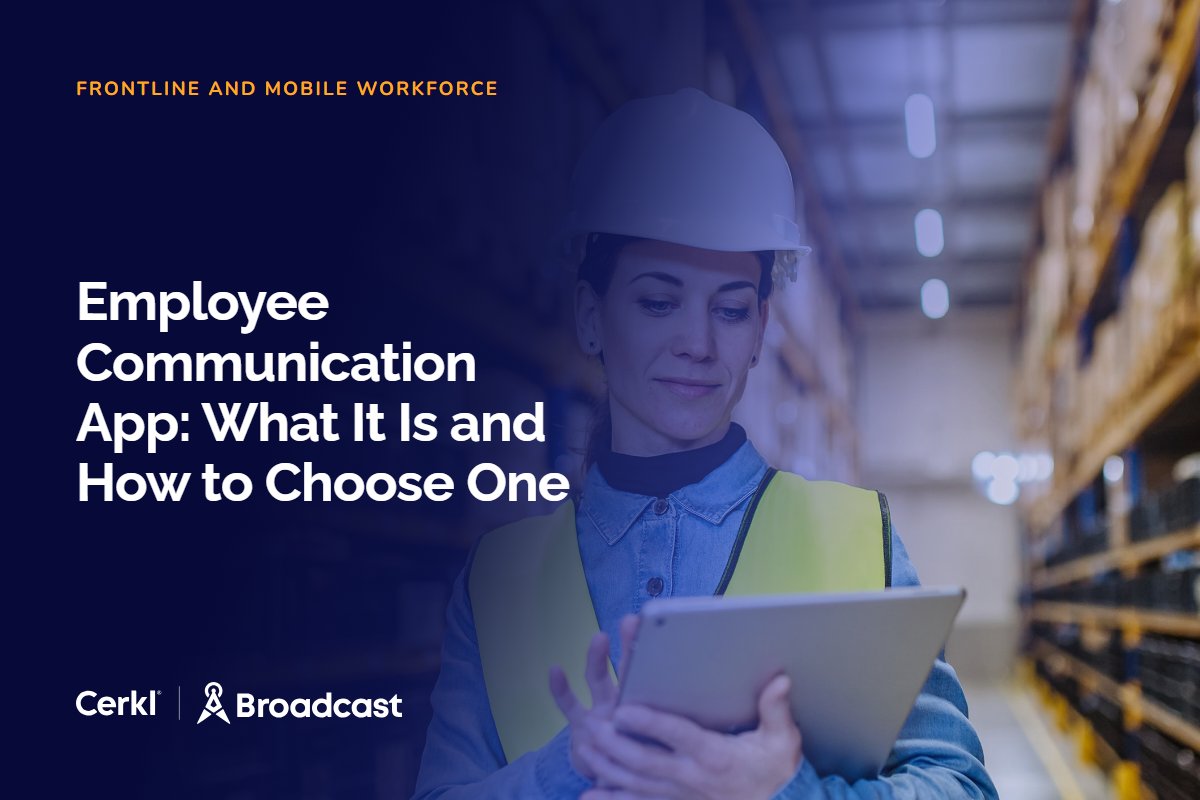
An employee communication app is a mobile app that delivers top-down, targeted communications from the organization to its people, from policy changes to safety alerts, and reports back on who read each one. The communications team decides what goes out and to whom. The employee gets a feed built for their role and shift, so the stories that reach them are the ones that apply to them.
In a good one, delivery and measurement work as a pair. Each employee opens the app to a home feed of stories meant for them, with the priority items at the top, and the few messages that can't wait (a plant closure for weather, a deadline that lands tomorrow) arrive as a push notification on the lock screen. Every open and dismissal then flows back to the comms team, so you can see that the night shift at one site read the schedule change and the day shift at another didn't.
Two common pitches for these apps miss the point. One sells a second intranet that employees will browse when they have a spare minute, and people on a shift don't have spare minutes. The other sells a social network where employees will post and comment. Engagement features have their place, but if the business case rests on employees choosing to spend time in the app, the app will lose to everything else on their phone. The case that holds up is narrower and more honest. The organization needs to reach people it currently can't, and it needs proof that it did. An app that delivers a message someone can read in thirty seconds and records that they read it is doing its job, even if the employee never opens it again until the next push.
That framing changes how you evaluate one. The feature count stops mattering much. What matters is how reliably the app gets the right message to the right person, and how clearly it tells you what happened next.
Buyers lump the two together often, and the confusion costs teams money. A team chat app (Slack, the chat side of Microsoft Teams) is built for conversation between people who work together. Anyone can post, and the value is in the fast back-and-forth. An employee communications app is built for announcements from the organization to defined groups of employees, with a record of who read them.
Practitioners feel the last row most. Post a benefits deadline in a busy channel on Monday and by Wednesday it sits under two hundred messages about everything else. Nobody can tell you which of the people in that channel saw it. Chat also assumes every employee has an account in the workspace, which seldom holds for frontline staff.
Most organizations need both, because they solve different problems. The mix-up is why "best communication apps" lists put collaboration tools next to internal comms platforms as if they were interchangeable. If you want a better tool for teams to talk to each other, a roundup of team communication apps is the right place to start. If you need company news to reach people and proof that it arrived, keep reading.
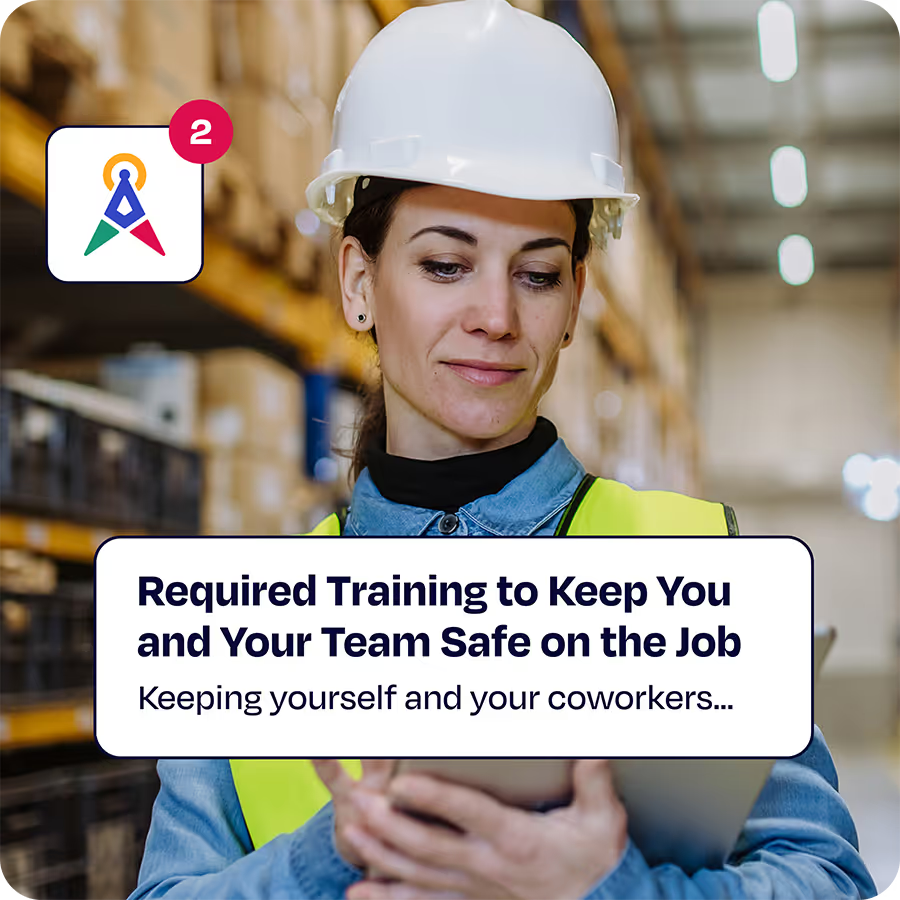
If much of your workforce is deskless, internal communication requires mobile, apps, and more than just email. Omni AI offers a single platform solution to engage all workers across all channels.
Explore Omni AIThe clearest case is frontline and field employees without a corporate inbox, from production lines in manufacturing to clinical staff in healthcare. Email-first comms programs miss these people more than any other group, and the cost shows up in engagement. In Gallup's State of the Global Workplace report, 17% of on-site, non-remote-capable employees worldwide are engaged, against 30% of exclusively remote employees. If this is your main audience, the full frontline employee communication playbook covers reaching them on the channels they already use and tracking reads by shift and site.

Distributed organizations are the second case. When teams are spread across sites and time zones, a targeted push that arrives during someone's working hours beats an email that lands at 2 a.m. their time. Engaging a distributed workforce gets harder when every message assumes everyone sits at a desk in headquarters.
The third case is less obvious. Some desk-based organizations have staff who already tune out email, and a short push linking to one story can cut through where another message in a full inbox won't. Use this argument with care, because it only works if push stays rare.
A single-site organization where everyone works at a desk, and where email and Teams already reach every employee, probably doesn't need one yet. In that situation the gap is usually the email itself, with no targeting and no read data, and fixing that comes first.
Analyst coverage backs up what comms teams learn the hard way. Forrester's evaluation of intranet platforms states that "frontline workers have specific needs that require capabilities that most desk workers don't have," and names apps appropriate for personal devices and do-not-disturb options among them. Use the criteria below as a checklist when you assess any mobile app for employee communication.
Segments should be built from HRIS attributes (role, site, shift, department) and update themselves as people join or move. If "night shift, Plant 4" has to be maintained by hand in a spreadsheet, it will be wrong within a month, and the wrong people will get the wrong alerts.
Push notifications for employees should be a choice you make per message and send to a segment. An app that fires a push on every story teaches people to swipe the next one away, so reserve push for time-sensitive items. Respecting off-hours belongs here too, which is the point of the do-not-disturb options Forrester calls out. A push about next month's open enrollment has no business waking someone after a night shift.
For deskless staff, this is the deciding criterion. If the app requires a company email or a corporate account to sign in, the employees you bought it for can't use it. Look for a login path that works with something employees do have, such as a workspace name and an ID. The Cerkl Broadcast mobile app offers email-less login on that basis, with optional security questions, alongside link and code sign-in for employees who do have an inbox.
For employees who already live in Microsoft 365 or Google Workspace, single sign-on removes one more password and keeps IT comfortable. Ask how each vendor handles SSO on mobile, since the answer can differ from the web experience.
Multilingual workforces need messages they can read in their own language. Check whether translation happens inside the app or at the point of authoring, and who reviews machine translation before a safety message goes out.
Install counts tell you who downloaded the app. Read data tells you who saw the message, and that's the number your leadership will ask about. On Cerkl Broadcast Omni AI, the mobile dashboard reports sessions, impressions, clicks and daily active users, with an exportable list of the most active users, so you can see who is engaging and who needs a manager's nudge.
Most frontline employees use their own phones, and few will enroll a personal device in mobile device management to read company news. A public app-store install sidesteps that problem, and it fits Forrester's call for apps appropriate for personal devices.
If the app needs its own copy of every story, it becomes another publishing job, and it will fall behind within weeks. The story should be written once and feed the app, email, Teams and the intranet from the same source. When you're ready to compare platforms on these criteria, a shortlist of employee communication software is a good starting point.
The app is one surface in the mix, and it sits alongside the others. Email keeps reaching desk staff who read it. Teams or Slack keep reaching people who spend their day there, though native Teams has real gaps for announcements, which we cover in our look at Microsoft Teams internal communications. The intranet stays the reference home for policies and documents, and for many organizations that means SharePoint internal communications. The app reaches the people who have none of those.
Coordination is the hard part. Without it, the same employee gets the same message in four places and learns to ignore all four. Cerkl Broadcast handles this by writing a message once and routing it to every channel with the same targeting, and priority stories clear across mobile, Teams, the intranet and the News Digest once the employee reads them anywhere. Read it on the phone at the start of a shift and it won't be waiting in Teams at lunch.
Picking the channel for each audience is its own decision, and the guide to omni-channel internal communications walks through choosing channels by audience while keeping one read record across them.
Rollouts fail when they launch to everyone at once with a generic "download our new app" email that half the audience never receives. Start small and make the first message worth opening.

If your team still sends company news from Outlook or Gmail, fix email first. Cerkl Broadcast Foundations is free and gives you targeting and read data on email today. The mobile app is part of Omni AI, and the audiences and templates you build on Foundations carry over when you upgrade, so the groundwork isn't wasted. Get one group reading reliably, then add the next.
That's why we built Foundations. Purpose-built for internal email with all the features you wish you had - drag-and-drop email builder, analytics, employee segmentation and much more. All for free (forever). No credit card, no contracts, no setup fees.
Learn more about FoundationsWhat is an employee communication app?
An employee communication app is a mobile app that delivers targeted company news and alerts to employees' phones and records who read each message. Organizations use it mainly to reach employees who don't work at a desk or have a company email address, with push notifications reserved for urgent, time-sensitive messages.
What is the difference between an employee communication app and a team chat app?
A team chat app is for conversation between colleagues, where anyone can post and messages scroll away quickly. An employee communication app is for announcements from the organization to targeted groups built from HR data, and it reports reads per employee. Most organizations use both for different jobs.
Do you need an employee communications app if you have Microsoft Teams?
Not if every employee uses Teams and reads it. Many frontline and field employees don't have Teams accounts or a corporate login, and native Teams offers limited targeting and read data for announcements. An app reaches those employees, and coordinated publishing keeps the same message from repeating across both.
How do you measure an employee communication app?
Measure reads per employee, because installs only show who downloaded the app. Track sessions, impressions, clicks and daily active users, then break reads down by site and shift to find groups the message missed. Have managers follow up with non-readers, and compare reads across channels to see where each audience engages.
Can employees without a company email use an employee communication app?
Yes, if the app supports a login that doesn't depend on email. The Cerkl Broadcast mobile app, for example, offers email-less login with a workspace name and a unique ID, plus optional security questions, so deskless employees can sign in on their own phones without a corporate inbox.