Audience sync for internal communications keeps your send lists tied to live HRIS and directory data so people enter and leave segments as the org changes. That is the unit of accuracy you need before you can claim "right people, right message." A static CSV or a mailbox distribution list cannot do that job the moment someone's employment status or work location changes.
A blast can look complete on paper while last month's leavers still receive it and this week's hires never see it. This post covers what audience sync is, how it works end to end in a modern internal email stack, where it changes day-to-day work, and how to start this week without a full re-platform.
Why Static Lists Miss People
Picture open enrollment. You export an "all employees" file from HR on Monday, scrub a few bad addresses, and load it into the tool you use for the benefits blast. The send goes out Thursday. Three people have left since the export and six new hires have started, and the rows you loaded still describe Monday.
You miss both failures until someone complains. Leavers keep getting internal mail until someone notices the bounce or the reply-all. New hires miss the enrollment window and land in a one-off catch-up thread. Supervisors who moved sites get the wrong local benefits FAQ. Those failures surface as ticket volume and a quiet loss of trust in "company email," well after the open-rate report says the send went fine.
That pattern repeats on safety bulletins and role-specific policy updates. Every org change becomes a reconciliation job. You re-export and re-check who is still on the employee distribution lists someone maintains by hand. Teams that live in Outlook or Gmail groups feel this as perpetual IT tickets. Teams that live in quarterly CSVs feel it as silent drift.
If your audience only updates when someone remembers to refresh a file, you are targeting a version of the company that no longer exists.
What Audience Sync Is (and What It Fixes)
Audience sync for internal communications is a live connection between your people systems and the tool you use to send. Employee attributes (department, location, role, hire date, manager, time zone, and anything else you map) flow into subscriber records. Rules-based segments read those attributes and stay current when the source data changes. At send time, the audience reflects the org as it stands that morning.
Segmentation is a strategy choice about who should receive what. Audience sync is the data plumbing that makes those choices honest after Monday's export. Without it, every clever segment is still only as good as the last manual scrub.
Two audience types sit side by side.
Dynamic employee audiences are rules on attributes. "Location Is Plant B AND Role Is Supervisor" targets one site's front line, and "Hire Date after [start date]" collects everyone who joined since you turned the segment on. Each rule tests a fixed condition against the source data, so there is no rolling "last 30 days" window for anyone to maintain. An HRIS or Active Directory update moves a person into or out of those segments on the next sync, with no list scrubbing for the routine cases.
Manual segments remain useful for committees, project teams, contractors outside the HRIS, and one-off cohorts. They persist until someone edits them. Audience sync keeps manual lists available for those cases while the routine audiences stop being hand-maintained.
List drift is also what makes internal email noisy. Communicators who cannot trust the list default to sending everything to everyone. Volume climbs and attention falls. Work on employee email overload stalls right there, because the safest target is always the whole company.
Writing the subject line stays your job, and audience sync decides who is on the other end of it.
How Audience Sync Works End to End
The mechanism is a pipeline. Each stage keeps teams from expecting a one-time import to stay true for a year.
Sources. People data arrives from the systems that already own the org chart. Broadcast syncs with Workday, SAP, PeopleSoft, ADP, Paycor, and Active Directory, and multiple sources can run at once when payroll, HRIS, and IT each own different attributes. You end up with one mapped picture of each employee inside the comms tool.
Mapping. A no-code Import Mapping Utility aligns source fields to subscriber attributes, using email as the key where people have mailboxes and carrying department, location, role, hire date, employee ID, and any other fields you enable. The same workflow surfaces upload status, record counts, and conflict flags, so you catch bad rows while the import is still on screen.
Attributes on the person. Each subscriber carries default fields (name, email, opt-in status) plus integration attributes from the sync and up to 50 Manual Attributes for the temporary flags the HRIS does not hold. Those attributes are what dynamic rules read. If location never maps, you cannot build a reliable plant-level segment.
Dynamic segment rules. Communicators build segments with Any (OR) or All (AND) logic and the Is, Is Not, Is Blank, and Is Not Blank operators, nesting rule sets when the targeting gets compound. Once the rules are set, people enter and leave on their own. Someone who transfers from HQ to a warehouse drops out of HQ-only segments and appears in warehouse segments without a ticket.
Audience Manager views. In Cerkl Broadcast, Audience Manager holds three views of the org. Subscribers covers active recipients, Unsubscribes keeps opt-out history, and Bounced records delivery failures, and all three support search, sort, filter, column customization, and CSV export. The Segments table is its own surface, split into My Segments, Shared With Me, Global, and All permission views, with configurable columns and bulk actions for duplicating, deleting, and changing access level.
Send-time targeting. A blast targets a dynamic segment, or a combination of them, in place of a pasted address block. Broadcast attaches delivery, opens, and clicks to the same person records the sync maintains, so retargeting non-openers reaches people who were already the right audience.
Foundations includes Audience Manager, so this pipeline is available on the free plan for core internal email. You do not need an enterprise re-platform to stop re-exporting CSVs for the segments that change every week.
Four Places Audience Sync Changes the Job
Role and location targeting without scrubbing. Plant supervisors and regional managers change jobs often enough that static lists lag. Dynamic segments for role and site update when HRIS does. The weekly ops note goes to the people who hold the job today, including transfers, without a pre-send audit.
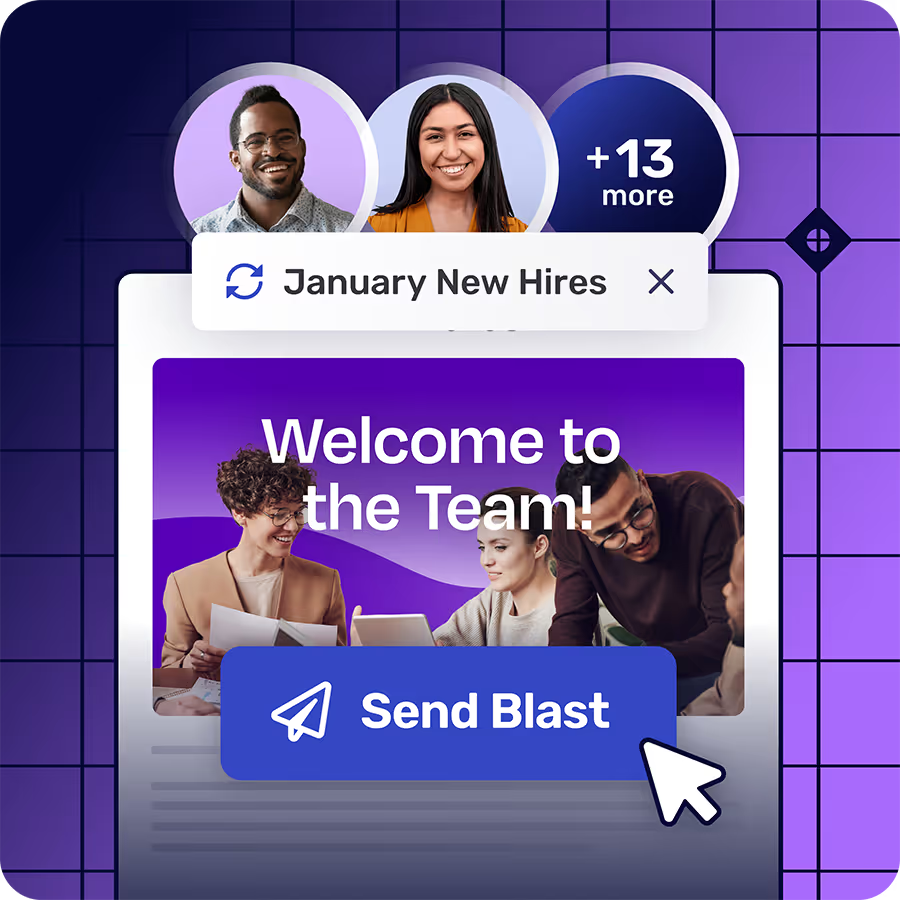
New-hire and exit coverage. Onboarding sequences and welcome packs should include people who started this week. A "Hire Date after [start date]" segment keeps collecting them as they arrive, so nobody re-exports a new-hire file every month, and opt-in status set through the integration stops company email to people who left. Manual welcome lists are how new hires get silence for two weeks.
Site-level safety cohorts. A lockout/tagout update for one facility should not land in every inbox company-wide, and it must not skip the crew that works that floor. Location maps from HRIS as an integration attribute; if your people system also holds a shift or crew field, you can map that the same way, or hold it as a Manual Attribute for cohorts the HRIS does not model. Compliance owners then get a defined audience they can name and defend.
Decentralized ownership without chaos. Global shared lists push people to over-target or freeze. Segments default to Restricted, so an HR lead owns HR audiences, IT owns IT, and regional leads own regional sets, while administrators keep oversight of all of them. Audience sync supplies the data; permissions keep the wrong communicator from selecting the wrong half of the company.
Across all four, communicators spend their time writing rules and keeping attribute mappings honest, and Broadcast keeps the membership current from there.
How to Start With Audience Sync This Week
One trusted source and two or three segments that hurt when they drift are enough to start. The rest of the attribute map can wait until those segments hold up.
Pick the system of record for employee status and email, usually the HRIS or the directory IT already trusts. Map email, department, location, and role first. Then build dynamic segments for the audiences you scrub by hand every month, starting with one site, one function, and a "Hire Date after [start date]" segment dated the day you switch it on.
Move the next high-stakes send for those groups onto the dynamic segments. Leave true one-offs (a project task force, a contractor set outside HRIS) on manual segments so you do not force bad data into the model. Stop re-exporting CSVs for anything the rules can own.
After a week of sync, spot-check two records you already know. A named new hire should sit in the hire-date segment, and a named transfer should have moved to the right location segment. Fix mapping gaps before you add more attributes. Once the audience layer is current, internal email personalization and segment-level measurement stop lying to you, because the people behind the stats are the people who should have been on the send.
If critical internal email still ships from Outlook or Gmail groups alone, the limit is structural. Those tools were built for personal and team mail, and org-wide HRIS-driven segments that update without a ticket sit outside what they do. Moving the high-risk audiences into a free Foundations account is enough to get audience sync on the messages that need it, without waiting for a multi-quarter stack replacement.
Hold one standard. If you cannot name how someone enters and leaves a send list when their job changes, you are still managing by snapshot, and the next round of hires and transfers will quietly decide who hears from you. Write that rule down as a segment this week and let the sync keep it current.
FAQ
What is audience sync in internal communications?
Audience sync in internal communications is the process of connecting HRIS and directory data to your employee communications tool so subscriber attributes and dynamic segments stay current as people join, leave, and change roles. It replaces one-off CSV exports and static mailbox lists as the source of truth for who receives each send.
How does HRIS sync improve internal email targeting?
HRIS sync internal communications maps department, location, role, hire date, and related attributes onto each employee record. Dynamic segments read those attributes and update on the next sync after the source data changes, so a send aimed at "Plant B supervisors" includes transfers and new supervisors without a manual list update, and drops people who no longer match the rule.
What is the difference between dynamic and manual employee audiences?
Dynamic employee audiences are rules on live attributes and update when source data changes. Manual audiences are fixed membership lists built by upload or individual add, and they stay put until someone edits them. Use dynamic segments for org-structure targeting; use manual segments for committees, projects, and cohorts the HRIS does not model.
Can you use audience sync without replacing Outlook or Gmail for every message?
Yes. Move the audiences that drift and the messages that carry risk (safety, benefits, policy, site-specific ops) into a purpose-built internal email tool with Audience Manager and HRIS or directory sync. Keep low-risk team mail in the native client if you want. Foundations on Cerkl Broadcast covers the critical-audience path without a paid contract.









.avif)

