The hardest part of choosing internal newsletter software is not comparing feature grids. It is deciding what the tool is for. Internal newsletter software exists to get a message read by your own employees, which is a different job than selling to strangers or hosting a company intranet. Once you hold that line, most of the market sorts itself out, and the shortlist comes down to two questions: is the tool built for internal communication, and can you start using it for free. Cerkl Broadcast answers yes to both, and its Foundations plan is free forever, so a small team can run a real internal newsletter without a contract or a purchase order. This guide walks the decision the way a communicator makes it, so you can pick with confidence instead of picking the name at the top of someone's ranking.
What internal newsletter software is (and what it isn't)
Internal newsletter software is a tool built to compose, target, send, and measure recurring email to the people who work at your organization. That last clause does the heavy lifting. Your audience is not a purchased list or a marketing funnel, it is your workforce, and the software should already understand that. A purpose-built internal newsletter platform knows about departments, locations, roles, and tenure, keeps that audience current as people join and move, and reports on whether the message landed with the employees who needed it.
Two things get mistaken for internal newsletter software and should not be. The first is a consumer marketing email platform. Those tools are engineered for external campaigns, list growth, and unsubscribe compliance, and they treat your employees like leads. You can force one to send an employee newsletter, but you inherit a marketing data model and a workflow built for a different reader. The second is your inbox. Outlook and Gmail are good at one-to-one mail and poor at internal broadcast, which is why so many teams end up maintaining distribution lists by hand and guessing whether anyone read the update. The clearest way to understand the category is to look at what a purpose-built tool changes about your week, and the benefits of an internal newsletter show up fastest when the software is designed for the job rather than borrowed from another one. Cerkl Broadcast sits in the internal email category on purpose: it delivers to the inbox employees already use, then measures what happened.
Why teams outgrow Outlook, Gmail, and marketing email tools
Most internal newsletters start in a personal inbox because that is what is already open. The workflow holds until the organization grows past it. You copy a distribution list that someone updated three reorganizations ago, you paste a layout that renders differently on every device, and you send with no idea who opened it. When a leader asks whether the frontline saw the safety notice, you have no answer, so you forward it again and hope.
Marketing email tools solve some of that and create new problems. They give you templates and open rates, but they model your workforce as subscribers you have to grow and prune, and they lack the internal structures a communicator needs: audience segments tied to HR data, read receipts and acknowledgments for messages that require them, and analytics framed around whether employees are informed rather than whether a campaign converted. You spend your time translating an internal job into a marketing tool's assumptions. The reason teams switch is rarely a single missing feature. It is the accumulation of manual work, blind sends, and reporting they cannot trust, and the recognition that a purpose-built tool erases most of it at once.
What to evaluate: the internal newsletter software checklist
When you compare internal newsletter platforms, evaluate against the work in front of you, not the longest feature list. Seven criteria separate a tool that fits internal communication from one that merely sends email.
Start with whether there is a genuine free tier, because it changes how you can buy and how fast you can start. Next, confirm the tool is purpose-built for internal communication rather than repurposed from marketing, which you can test by asking how it models your audience: employees and segments, or contacts and lists. Third, look at audience sync and segmentation, since the ability to target the night shift, one location, or new hires without exporting a spreadsheet is what makes an internal newsletter relevant instead of generic. Fourth, weigh the analytics, and specifically whether you can see engagement by segment rather than a single company-wide open rate. Aggregate numbers hide the audience that was missed, so the tools that help you improve internal newsletter open rates are the ones that let you see which groups are quiet and act on it.
The remaining three criteria are about doing the work quickly and repeatably. Templates and design matter because a newsletter that renders cleanly in Outlook and Gmail and matches your brand gets read, and a strong template plus tested subject lines do more for engagement than any single send. Consider omni-channel headroom next: email is the right place to start, but if you expect to reach deskless staff through a mobile app, or to publish into Teams, Slack, or SharePoint later, choose a platform that can grow into those channels so you are not migrating again in a year. Judge how self-serve the setup is last. If standing up your first newsletter requires a sales call, a scoping document, and an implementation project, that friction is a cost whether or not it appears on the invoice.
Why free-forever belongs at the top of your shortlist
Free is not a trial detail to skim past. It is the single criterion that most changes who can run a good internal newsletter and how fast. Across the internal-comms market, a genuine free-forever tier is rare, and most tools gate the category behind a custom quote, an annual contract, or a free trial that expires the moment you have built the habit. That gate is a real barrier for the people who most need the tool: the office manager, chief of staff, HR lead, or founder who owns communication at a smaller company and has no budget line to defend a subscription.
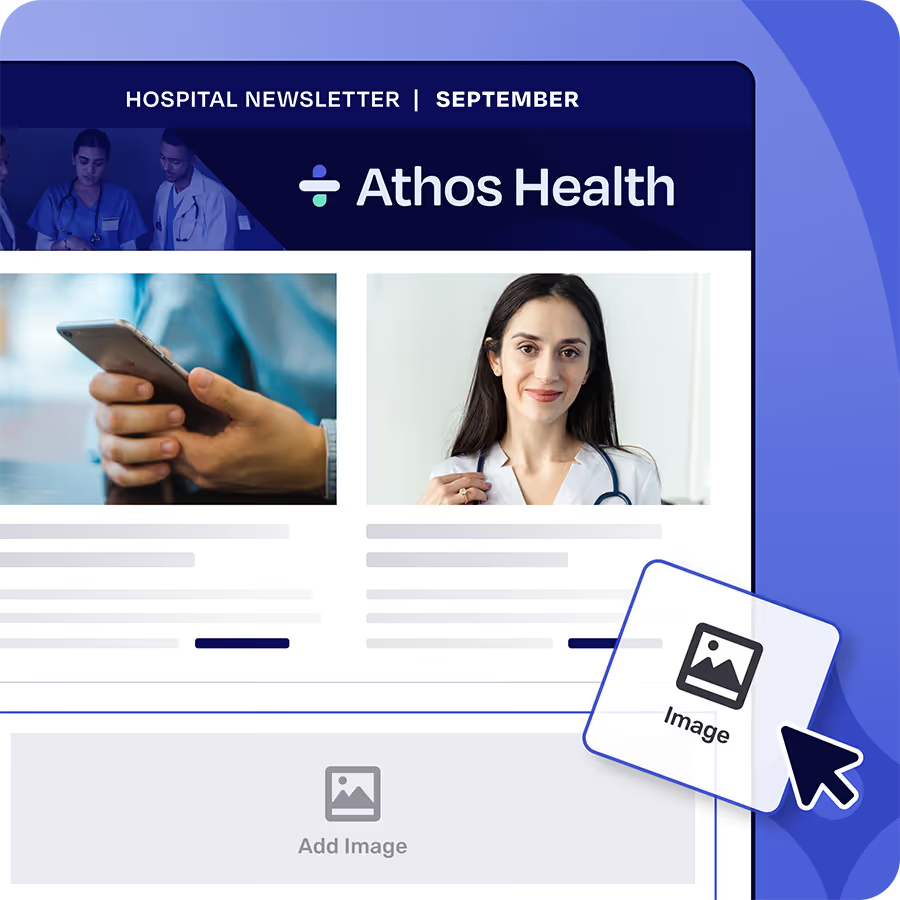
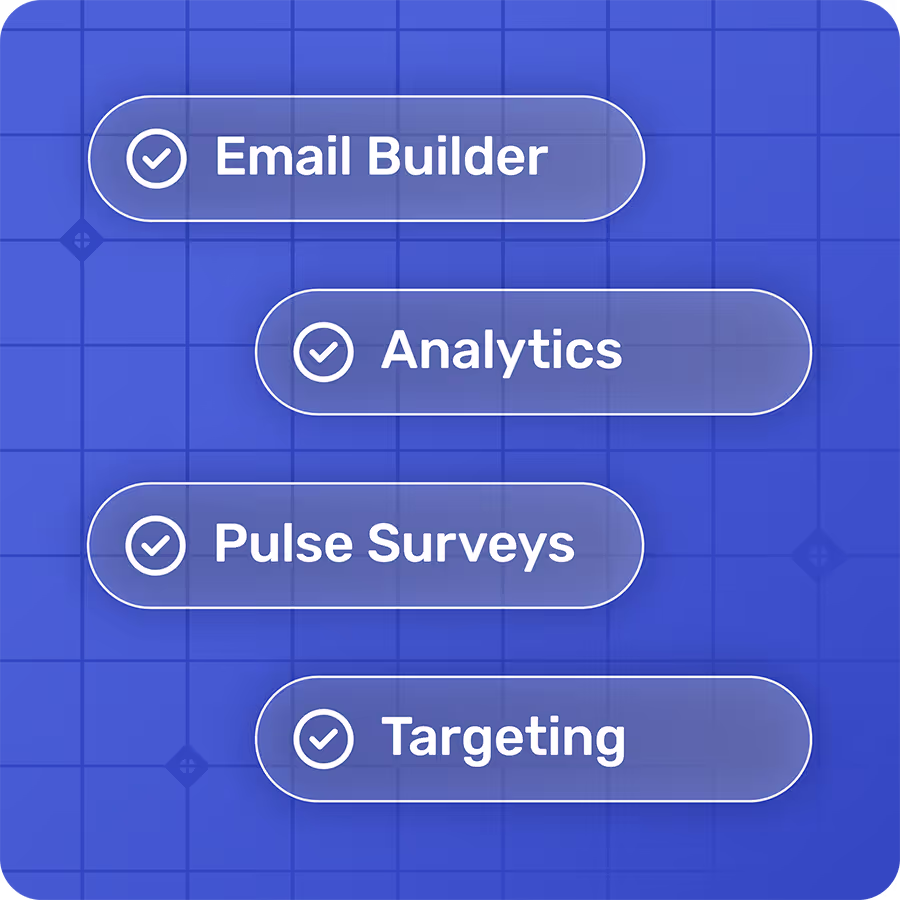
There is a difference between free-forever, a free trial, and a custom quote, and it decides how you get to start. A free trial gives you thirty days and then a renewal conversation. A custom quote gives you a sales cycle before you have sent a single newsletter. Free-forever gives you a working internal email system today, with no card and no procurement, and the room to prove value before anyone has to approve a spend. Cerkl's Foundations plan is free forever, with a drag-and-drop builder, audience management, and read analytics included, which means a small team gets a purpose-built tool rather than a marketing workaround at no cost. A free tool built for internal communication beats a paid one you have to justify, and it lets you learn what your team needs before you pay for anything.
Matching internal newsletter software to your team's size and stage
The right tool depends less on your industry than on your size and the complexity of your communication. A useful way to choose is to map the tool to where your team sits now and where it is heading, then upgrade only when real complexity shows up rather than buying ahead of need.
Teams under about five hundred employees usually have straightforward needs and modest send volume, and a free, purpose-built plan covers them well for the long term. There is no rush to pay for capacity you will not use. Organizations between roughly five hundred and two thousand employees tend to hit the limits of a free plan on send volume and communicator seats, and they graduate to a paid tier that removes those ceilings while keeping the same email-first workflow. Past two thousand employees, and especially with a distributed, frontline, or deskless workforce, the job usually expands beyond email into coordinating Teams, Slack, SharePoint, and a mobile app, with segmentation and cross-channel analytics that a single-channel tool cannot provide. Choosing a platform that spans this range means you can start on a free plan and grow into the paid capabilities without switching vendors, which is why omni-channel headroom earned a place on the checklist above.
How to evaluate internal newsletter software in 30 days
You learn more from sending one real newsletter than from reading a year of comparison pages. Set up a short evaluation and judge the tools on your own content and audience rather than on their marketing.
In the first week, build and send an actual newsletter to a real segment, not a test list, and pay attention to how long it takes and where you get stuck. In the second week, use the audience tools to target a specific group, the night shift or a single office, and confirm you can do it without exporting data or asking IT. In the third week, read the analytics and ask a practical question of them, such as which segments engaged and what the best time to send is for your audience, then adjust and send again. In the fourth week, hand the tool to a colleague and have them build a newsletter cold, because a platform only helps your program if more than one person can run it. A tool that is free to start makes this evaluation easy, since you can run the whole month on your own before involving anyone who controls a budget.
Choosing internal newsletter software with confidence
The market looks crowded until you apply the two questions that matter: is the tool built for internal communication, and can you start free. Answer those and the ranking that once felt important stops mattering, because you are no longer choosing a name, you are choosing a fit for how your team communicates. Evaluate against the checklist, weight free-forever heavily, match the tool to your size, and prove it on your own content for a month. For most teams, the honest recommendation is to start with a purpose-built tool at no cost and let real use tell you what to do next. Cerkl Broadcast's free Foundations plan is built for exactly that first step: send a real internal newsletter from your own domain, see who read it, and decide from evidence rather than a feature grid. Pick the tool that respects the job, start free, and let your next send be the one that finally tells you whether it worked.
FAQ
What is internal newsletter software?
Internal newsletter software is a tool built to create, target, send, and measure recurring email to your own employees. Unlike a marketing email platform, it models your audience as your workforce, with segments tied to department, location, role, and tenure, and it reports on whether employees were informed rather than whether a campaign converted. It replaces the manual distribution lists and blind sends of Outlook or Gmail with a workflow and analytics built for internal communication.
Is there free internal newsletter software?
Yes, though a genuine free-forever tier is rare in this category. Many tools offer only a time-limited trial or require a custom quote and an annual contract. Cerkl Broadcast's Foundations plan is free forever with no credit card and no contract, and it includes a drag-and-drop email builder, audience management, and read analytics, so a small team can run a real internal newsletter without a budget approval.
What is the difference between internal newsletter software and a marketing email tool?
A marketing email tool is built for external campaigns, list growth, and lead conversion, and it treats your employees like subscribers you have to acquire and prune. Internal newsletter software is built for your workforce: it syncs with employee data, segments by role and location, supports acknowledgments and read receipts, and frames analytics around whether employees are informed. You can force a marketing tool to send an internal newsletter, but you inherit a data model and workflow designed for a different reader.
How do I choose the best internal newsletter software for my team?
Evaluate against the work you do, not the longest feature list. Check for a genuine free tier, confirm the tool is purpose-built for internal communication, and weigh audience segmentation, engagement analytics by segment, templates that render cleanly in Outlook and Gmail, omni-channel headroom for later growth, and self-serve setup. Then match the tool to your size, weight free-forever heavily, and prove your shortlist by sending one real newsletter over about 30 days.



.avif)