<script type="application/ld+json"> { "@context": "https://schema.org", "@type": "FAQPage", "mainEntity": [ { "@type": "Question", "name": "What should a company newsletter include?", "acceptedAnswer": { "@type": "Answer", "text": "One lead item, a few short updates, the dates that matter this week and one ask. The format decides the rest. A leadership note drops the updates entirely, and a new-hire edition swaps them for must-reads. For what to put in each slot, a list of company newsletter ideas is the fastest place to start." } }, { "@type": "Question", "name": "How long should a company newsletter be?", "acceptedAnswer": { "@type": "Answer", "text": "Short enough to scan on a phone. Set a word limit for each section, the way Roku's comms team does because employees are scanning. A lead story of about 120 words and two lines per short item keeps an all-staff weekly readable in a couple of minutes." } }, { "@type": "Question", "name": "How often should you send a company newsletter?", "acceptedAnswer": { "@type": "Answer", "text": "Weekly for an all-staff newsletter, as needed for leadership notes, per shift or per week for frontline digests, and weekly for the first 90 days for new hires. Hold the schedule steady. A newsletter that arrives at the same time with the same slots is easier to read than one that arrives more often on no fixed day." } }, { "@type": "Question", "name": "What's a good open rate for a company newsletter?", "acceptedAnswer": { "@type": "Answer", "text": "Don't chase a benchmark. Email privacy features such as Apple Mail Privacy Protection inflate open rates, because they download content in the background whether or not anyone opens the email. Look instead at who clicked and who acknowledged, per employee and per team, which tells you who acted on the message." } }, { "@type": "Question", "name": "What are some employee newsletter examples for small companies?", "acceptedAnswer": { "@type": "Answer", "text": "The all-staff weekly and the new-hire edition work well for a small company with one person sending them. Both templates above need no design team, only a subject line and a fixed set of short sections that ends in one ask. Send them from a tool that shows who opened and clicked, and you have everything a larger team has." } } ] } </script>
Company Newsletter Examples: 5 Formats That Get Read
Company Newsletter Examples: 5 Formats That Get Read
Company newsletter examples in five formats: all-staff weekly, leadership note, frontline digest, department roundup, new-hire. Templates and what to measure.
Written By:
Cerkl Research Team
Published:
November 5, 2026
Using Outlook or Gmail for your internal communication?
Foundations is free (forever) - purpose built for internal comms and includes everything you need to level up your game (email builder, analytics, pulse surveys and much more).
The five company newsletter examples that work are the all-staff weekly, the leadership note, the frontline digest, the department roundup and the new-hire edition. The test of any example is who opened and clicked it. Each format below comes with a short template you can copy and the number that tells you whether it worked.
Most newsletter examples you find online are layouts, built around a banner and a grid of cards. That's useful when you're picking a look, and our employee newsletter templates cover full designs if that's what you need. But readers don't move through a layout top to bottom. When Yale's internal comms team audited its YourYale newsletter, as described in Ragan's newsletter formatting pressure test, Niamh Emerson found readers were "clicking maybe one or two things in the newsletter." Whether a newsletter works comes down to whether those one or two things are the right ones.
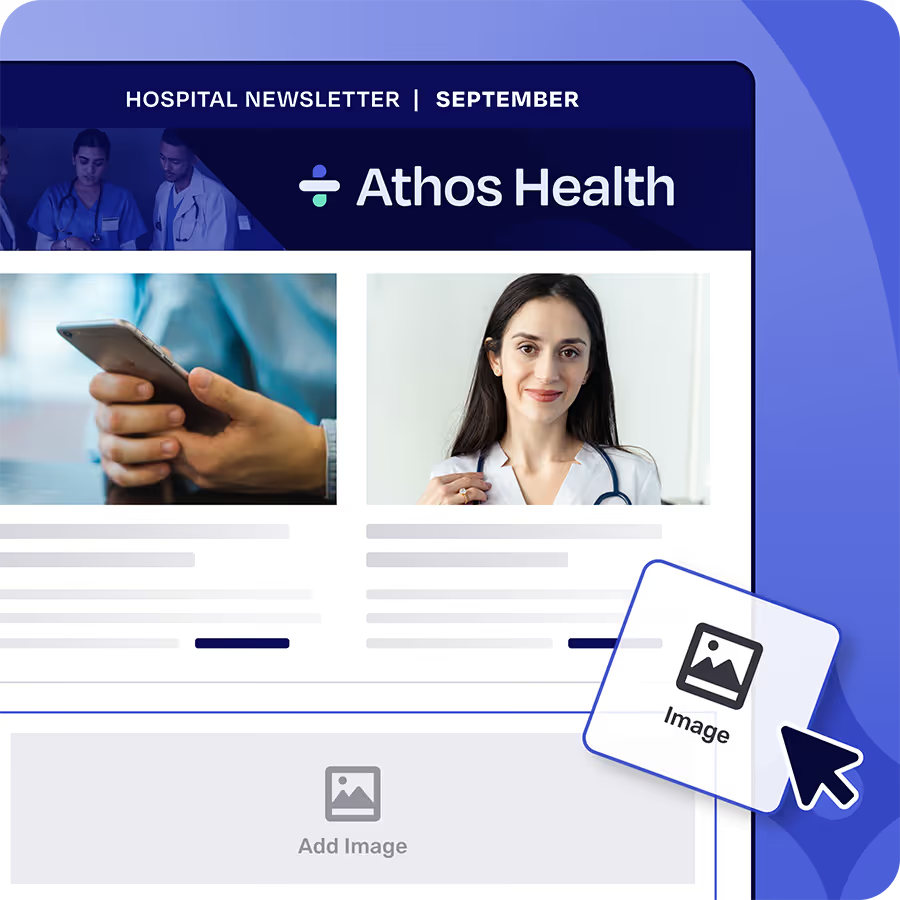
So this post shows formats. Each one comes with a five-to-seven-line skeleton you can paste into whatever you send from, starting with a sample subject line, and the measure that tells you it did its job. These business newsletter examples hold up whether you're an office manager at a 50-person company or a comms director at a 5,000-person one. If you'd rather not build the layout yourself, start from a ready-made layout in the Cerkl Broadcast internal email template library and drop the skeleton into it.
Five company newsletter examples: all-staff weekly, leadership note, frontline digest, department roundup, new-hire edition.
What makes a company newsletter example worth copying?
A good example has one job, so you can say in a sentence what it's for and who it's for. Readers should also be able to find the one useful thing fast, which is the first of the four questions in the Ragan piece, "Does your format help the audience find one useful thing quickly?" Then you need to see who acted on it, because a newsletter you can't measure is a newsletter you can't improve.
Consistency does more work than most teams expect. Yale's team locks the same slots every week, and Emerson explains why in one line, "It works because it is the same thing every week." Once readers know the lead story always sits in the same place, they stop hunting for it. Roku takes the same idea further by capping the length of each section. Katie Satterlee told Ragan, "We have word-count limits depending on the section because we know employees are scanning." Every template below borrows both habits, fixed slots and short sections.
One assumption runs through the rest of this post, which is that you already send a newsletter and want it to work harder. If you're still deciding whether an internal company newsletter is worth starting, settle that first and come back for the formats.
What does a good all-staff newsletter look like?
The all-staff weekly is the default roundup that everyone in the company gets, and it's the one most people picture when they search for an all-staff newsletter example. Its job is to make sure nobody misses the week's most important item while giving them two minutes of everything else.
The part worth copying is the fixed structure. Yale runs a lead slot, two secondaries and an engagement piece, and the slots don't move. Use one lead story, three short items, the week's key dates and one ask. If you're stuck on what to put in those slots, a list of company newsletter ideas will fill a quarter's worth of issues, and this format tells you where each idea goes.
Template: all-staff weekly
Subject line: "This week: new parking rules start Monday, plus 3 quick updates"
Lead story: 120 words or fewer, one link, the thing that changes how people work this week
Three short items: two lines each, one link each
Dates this week: deadlines and office closures
One ask: a single action, phrased as a verb ("Book your benefits review by Friday")
Sign-off: name of a real person who reads replies
The subject line names the lead item, because "Weekly Update #47" tells nobody why to open it. There's more on that in our guide to internal newsletter subject lines.
Track the share of employees who opened the email and clicked the lead item, broken out by location or department. A company-wide average can look healthy while one site never touches the lead story, and that site is the one you need to fix.
How should a CEO or leadership note read?
The leadership note is one voice on one topic, written in the first person. Once it turns into a roundup, it loses the thing that makes it worth reading, which is hearing directly from the person who made the decision.
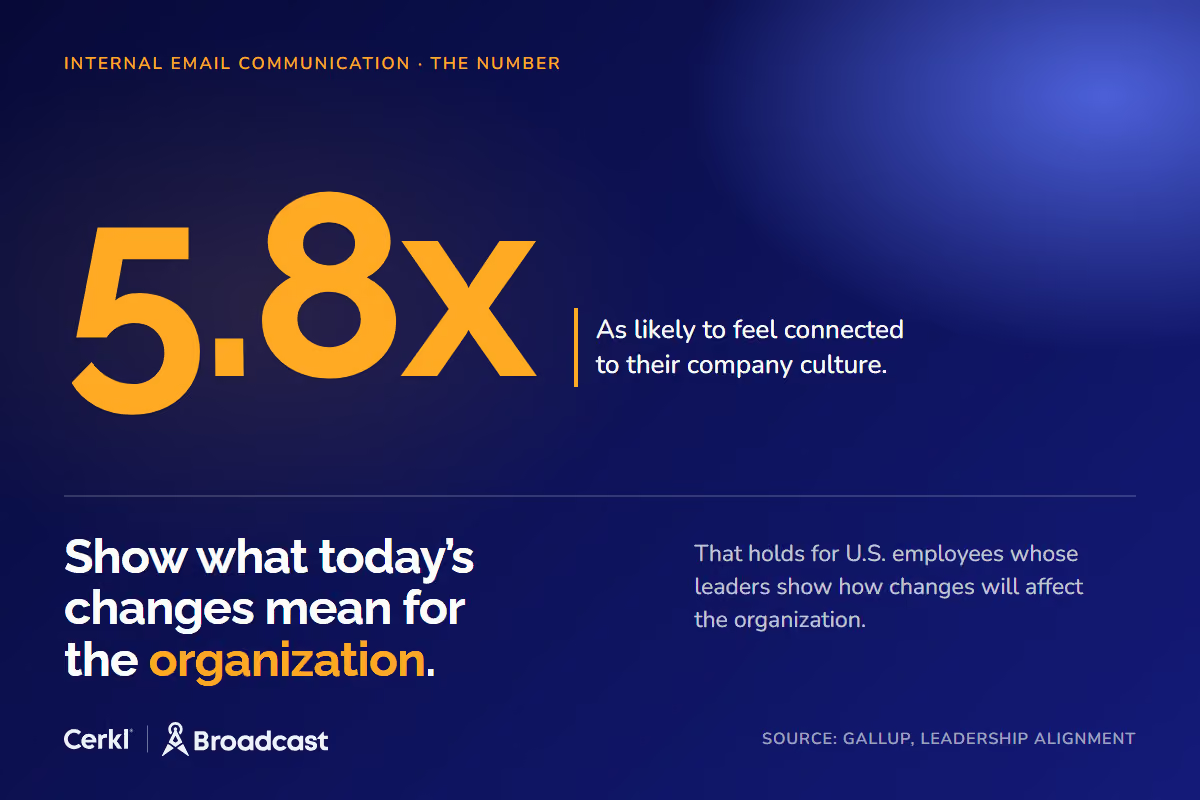
Borrow the habit of explaining what a change means for the company's future. Gallup's research on leadership alignment found that U.S. employees who strongly agree their leaders help them see how today's changes will affect the organization are 5.8 times as likely to feel connected to their company culture. A leadership note is the cheapest place to do that work, because it costs one leader thirty minutes and reaches everyone.
Business newsletter examples: employees are 5.8x as likely to feel connected when leaders explain what change means.
Template: leadership note
Subject line: in the leader's voice ("Why we're moving the Q1 planning cycle")
Why now: one line on what prompted the note
The decision or news: stated plainly, in the first paragraph
What it means for you: the practical change for the reader's role or team
What happens next: dates and owners
One ask: a question to reply to, or a session to attend
Measure opens team by team. When the note carries a decision people must know about, such as a policy change or a reorganization, add an acknowledgment so each employee confirms they saw it, and you'll have a timestamped record of who confirmed.
What should a frontline digest include?
The frontline digest is a short, mobile-first email limited to what matters on shift, mainly schedule changes and safety. It goes to the personal or work addresses your frontline employees check, and it should be readable on a phone in under a minute between tasks.
Roku's discipline on length matters most here, because people scanning on a phone have even less patience than people at a desk. The second habit to borrow is site-specific subject lines. "If India has some specific line items, that goes in the subject line for them," Satterlee told Ragan. Send each site its own version, built from a segment, so the subject line names their location and their shift.
Template: frontline digest
Subject line: names the site or shift ("Plant 2, night shift: new start time Thursday")
Schedule change: what moves, when, and who it affects
One safety item: a single reminder or update
One shout-out: a named person or crew and what they did
Where to ask questions: a supervisor's name or a reply-to address
The number to watch is reach by site and shift, and especially the people the digest never reached. Treat non-openers as a list of people to resend to before the schedule change takes effect. On Cerkl's paid Omni AI plan, the same digest can also go to Teams or a mobile app for employees without email, and the format and the measure stay the same.
Writing a great employee newsletter is only half the job.
Foundations makes employee newsletter building a snap with a drag and drop email builder. Plus Foundations helps you target newsletters to the right employees and measure engagement so important updates don’t get ignored. Free. Forever.
A department roundup is one team's news written for the rest of the company. It's the format most often done badly, because the team writing it writes for itself, listing projects and milestones that mean nothing to anyone outside. Among internal company newsletter examples, this is the one where audience matters most.
One rule fixes most roundups, which is to write for outsiders. Every item should say what changed for other teams and name who to contact. If finance updates its expense tool, the roundup item is what the sales team needs to do differently on the first of the month. Roku's habit of putting region-specific items in that region's subject line points the same way, so if one change only affects two departments, send that section to those two departments.
Template: department roundup
Subject line: names the department and the change ("From IT: the VPN changes on the 14th, and what you need to do")
Shipped this month: something the department finished that other teams can use
A change other teams will feel: process, tool, deadline or contact
Person to know: a new hire or the right contact for a common request
The ask: a form or office hours
Judge it by clicks from people outside the department, which is the whole point of the format. Filter the report to a segment that leaves the department out. If IT's roundup gets most of its clicks from IT, it's an internal memo with a wider mailing list.
What should a new-hire newsletter include?
The new-hire edition covers the first 90 days of essentials and goes only to recent starters, sent to a segment you keep for them. It's the smallest audience on this list and often the one with the most at stake, because new employees don't yet know which emails they can safely ignore.
Prioritize ruthlessly. Onboarding is easy to get wrong, and the usual failure is volume. A new starter gets a pile of emails in the first week and can't tell the benefits deadline from the social committee. Keep the must-reads few, mark each one clearly as a must-read, and move everything else to a later issue.
Template: new-hire edition
Welcome line: one sentence, signed by a person
This week's must-reads: benefits enrollment deadline and tools to set up, each marked clearly
Who to ask: a named buddy or contact, with how to reach them
One culture item: a tradition, a channel to join or an upcoming event
One acknowledgment request: confirm you've seen the must-reads
Success here is a per-person acknowledgment of the must-read items, with a resend to anyone who hasn't acknowledged. Cerkl Broadcast timestamps each employee's acknowledgment and lets you retarget only the people who haven't confirmed, which turns a new-hire email into a checklist you can close. Acknowledgments and retargeting are available on every plan, including Cerkl Foundations, which is free.
How do you tell if a newsletter example works?
The average open rate can't tell you. Apple's Mail Privacy Protection "downloads remote content in the background by default" when an email arrives, whether or not the employee opens it, so opens from Apple Mail users are inflated and an average built on them flatters every send. That's why this post doesn't offer an open-rate benchmark to chase. A number that moves without anyone reading the email can't tell you whether a format works.
Clicks and acknowledgments are better evidence, because they require someone to do something. They're most useful read per employee and per segment. Ragan's last question is the one that matters here, "Are you designing your newsletter around assumptions or actual employee behavior?" An average is an assumption with a decimal point. Seeing who opened and acknowledged each email at the individual level shows you the warehouse that never clicks and the new hires who haven't confirmed the benefits deadline. The same discipline runs through our internal email analytics best practices.
Use one scorecard row per format, and review it monthly.
Format
The one action that matters
The number to watch
Cut it by
All-staff weekly
Click the lead story
Employees who opened and clicked the lead item
Location, department
Leadership note
Know the decision
Opens per team; acknowledgments when there's a decision
Team, manager
Frontline digest
See the schedule change before the shift
Employees reached, plus the non-opener list
Site, shift
Department roundup
Act on the change
Clicks from outside the department
Department (excluded)
New-hire edition
Confirm the must-reads
Per-person acknowledgments
Start date
If a format keeps missing its number, change one thing at a time, starting with the subject line or the lead slot, and watch the same row next month. Our employee newsletter best practices cover the wider set of levers once the format itself is right.
Turn these company newsletter examples into your next send
Pick one format, the one closest to a newsletter you already send. Start from a ready-made layout in the internal email template library, paste in the skeleton, send it to the right segment, and check the scorecard row a week later. Cerkl Broadcast shows per-employee clicks and acknowledgments and lets you resend to the people who didn't act. Templates and audience segments come with every plan, and Cerkl Foundations is free forever, so the first test costs you one issue and an afternoon.
If you're frustrated with Outlook or Gmail for your employee emails, we understand.
That's why we built Foundations. Purpose-built for internal email with all the features you wish you had - drag-and-drop email builder, analytics, employee segmentation and much more. All for free (forever). No credit card, no contracts, no setup fees.
One lead item, a few short updates, the dates that matter this week and one ask. The format decides the rest. A leadership note drops the updates entirely, and a new-hire edition swaps them for must-reads. For what to put in each slot, a list of company newsletter ideas is the fastest place to start.
How long should a company newsletter be?
Short enough to scan on a phone. Set a word limit for each section, the way Roku's comms team does because employees are scanning. A lead story of about 120 words and two lines per short item keeps an all-staff weekly readable in a couple of minutes.
How often should you send a company newsletter?
Weekly for an all-staff newsletter, as needed for leadership notes, per shift or per week for frontline digests, and weekly for the first 90 days for new hires. Hold the schedule steady. A newsletter that arrives at the same time with the same slots is easier to read than one that arrives more often on no fixed day.
What's a good open rate for a company newsletter?
Don't chase a benchmark. Email privacy features such as Apple Mail Privacy Protection inflate open rates, because they download content in the background whether or not anyone opens the email. Look instead at who clicked and who acknowledged, per employee and per team, which tells you who acted on the message.
What are some employee newsletter examples for small companies?
The all-staff weekly and the new-hire edition work well for a small company with one person sending them. Both templates above need no design team, only a subject line and a fixed set of short sections that ends in one ask. Send them from a tool that shows who opened and clicked, and you have everything a larger team has.
Did you enjoy this content? Please share it with your internal comms friends and colleagues. Just click on any of the links below.