An employee audience manager is the Foundations operating layer that replaces all-staff mailbox lists with live directory and HRIS audiences and rules-based segments, then a retarget pass for people who did not open or click. All-staff lands in the inbox as noise, and the wrong roles get the detail. Leavers and week-one hires both miss the window, and no owner runs a second pass for people who never engaged.
Start with one noisy all-staff on the calendar and rebuild it on Cerkl Foundations with live segments and a non-opener follow-up.
Why All-Staff Emails Fail
Picture a benefits or safety policy blast that goes to every employee because "everyone should know." Eligible staff already know the change applies to them and skim past the generic framing. People on the wrong plan or at the wrong site still get the full note. Someone who left last Friday remains on the mailbox group. A hire who started Monday never made the list. Inclusive intent produced a noisy send that still missed the people who needed it most.
Wrong audience selection creates that miss. Better subject lines will not fix a bad recipient list. In Gallagher's Employee Communications Report 2026 (State of the Sector; survey Sep–Nov 2025 among 1,300+ Comms and HR professionals across ~40 countries), 83% of respondents say information overload is a growing problem. The same report finds organizations with high volumes of communication see a 30% jump in rating leadership trust as a significant risk. Volume without fit teaches employees that company mail is optional.
Employees say the same thing from the receiving end. In Reworked and Korbyt's State of Workplace Communication survey (n>1,100 employees), covered by Ragan, 40% of employees said they tuned out communication when the message was too generic to apply to their jobs. Every all-staff send trains that habit. The inclusive sends problem inside Gmail and Outlook is the same failure mode when the only safe target is the whole company directory.
What an Employee Audience Manager Is
One surface holds live subscribers with their attributes and the segments you send from, then the retarget loop after send. Together those parts make up the employee audience manager, and in Cerkl Broadcast the surface is Audience Manager on every plan, including free Foundations. Communicators keep active recipients, opt-outs, and bounces in view. They build segments once from live attributes and send to those segments. Follow-up goes to people who did not engage.
Maintaining mailbox distribution lists is a different job. A distribution list is a static membership someone remembers to edit. People enter and leave rules-based audiences as role, location, tenure, or other HRIS attributes change. Manual segments still cover committees and one-off cohorts. Run org-structure targeting from live rules. Drop the CSV export habit for those sends.
The gap this closes shows up in how few teams have the habits yet. Gallagher's Employee Communications Report 2026 finds fewer than 1 in 5 organizations are satisfied with their ability to personalize content on current channels, and over three-quarters of respondents do not regularly use audience profiling techniques such as personas or archetypes. The same report shows organizations with strong human-centric capabilities (segmenting and tailoring by audience, plus channel and message agility) can reduce the impact of high-volume change comms on information overload (−23%) and lack of trust in leadership (−18%). The employee audience manager is the ops layer that makes that segmentation honest at send time.
Managing employee lists gets messy - fast.
Foundations lets you target employee emails using roles, departments, or locations without manually updating Outlook or Gmail lists.
Learn more about FoundationsLive Employee Directory Audiences and Dynamic Segments
Live employee directory audiences start from the people systems you already trust. Broadcast syncs attributes from HRIS and identity sources such as Workday, SAP, PeopleSoft, ADP, Paycor, and Active Directory. Dynamic segments read those attributes with rules on role, location, tenure, department, time zone, or any mapped field. Someone who transfers sites or changes role enters or leaves the segment on the next sync. You stop scrubbing the same list before every high-stakes send.
Manual segments stay useful for project teams and contractor sets outside the HRIS. Exclusion lists fit there too. Use dynamic segments for anything the org chart can describe. Use manual segments when membership is political or temporary. That split keeps employee distribution lists from becoming the only targeting model in the stack.
Audience Manager holds three views side by side. Subscribers covers active recipients, Unsubscribes covers opt-out history, and Bounced covers delivery failures. All three support search and filter, and any slice of the org exports to CSV. Segments carry their own access level and default to Restricted, so an HR comms lead owns HR segments without other communicators seeing or targeting them. See how audience sync works for internal communications for the sync pipeline. Manage audiences and cut dynamic segments for internal email from the manager surface.
Retarget Employees Who Did Not Engage
Targeting the right first audience still leaves people who never opened or never clicked. Re-blasting the whole org punishes the people who already engaged and teaches them that opening early invites more mail. Retarget employees who did not engage instead.
Open Sent > ⋮ > Retarget Blast and choose the engagement filter that matches the job. Filters cover people who did not open, did not click, or did neither. Schedule the follow-up up to 180 days after the original send. Broadcast removes subscribers who engage between scheduling and the retarget firing, so the holdout set shrinks as people catch up, except subscribers whose privacy level is set to "Do not personalize my experience." Those subscribers appear in every retarget audience, since Broadcast collects no open or click metrics on them. That is the employee email retargeting loop. Target the segment that needs the message first, then nudge the names still quiet.
For proof of receipt jobs, use the acknowledgment filter and treat the holdout list as a confirmation queue. How acknowledgments work for internal comms owns that confirmation path. Pick the filter that matches what "done" means for that send. Keep acknowledgment proof separate from open and click recovery.
Four Ops Use Cases for the Manager Workflow
Site safety by location and role. A lockout update for one plant should not fill every HQ inbox, and it must not skip supervisors on that floor. Build a dynamic segment on location plus role and send the notice once. Retarget non-openers at that site before managers escalate.
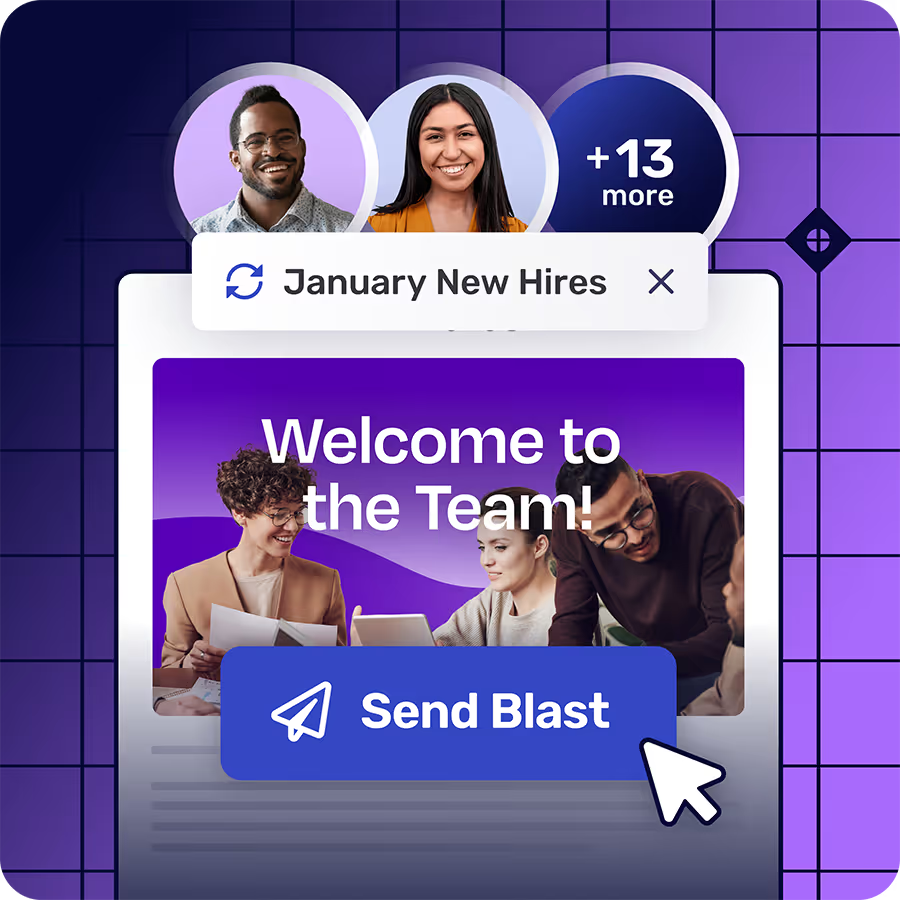
New-hire pathing by tenure. Welcome packs and first-week policy notes should include people who started this week. A hire-date rule keeps the cohort current without a weekly welcome CSV. People who never open get a scheduled retarget; people who already engaged stay off the second send.
Benefits by eligibility attributes. Open enrollment mechanics differ by plan eligibility and location. Cut segments from those attributes so the detailed FAQ reaches people who can act. Generic all-staff benefits mail is how the 40% tune-out pattern from the Reworked/Korbyt survey shows up in your own opens.
Leadership update with non-opener follow-up. A restructure or site-priority note still needs a defined audience. Send to the affected roles and sites first. Follow with a non-opener retarget for coverage among that group. Skip the second company-wide blast that resets attention for everyone.
In each case the work product is the segment plus the retarget rule. Teams fall back to all-staff when those two pieces do not exist.
Start This Week on Foundations
Pick one high-noise all-staff already on the calendar. Name who must act and who can skip it. Build two or three dynamic segments from live attributes that describe those groups. Send the message to the segments that need it. Set a non-opener retarget for a few days later. Stop re-exporting CSVs for those sends once the rules hold.
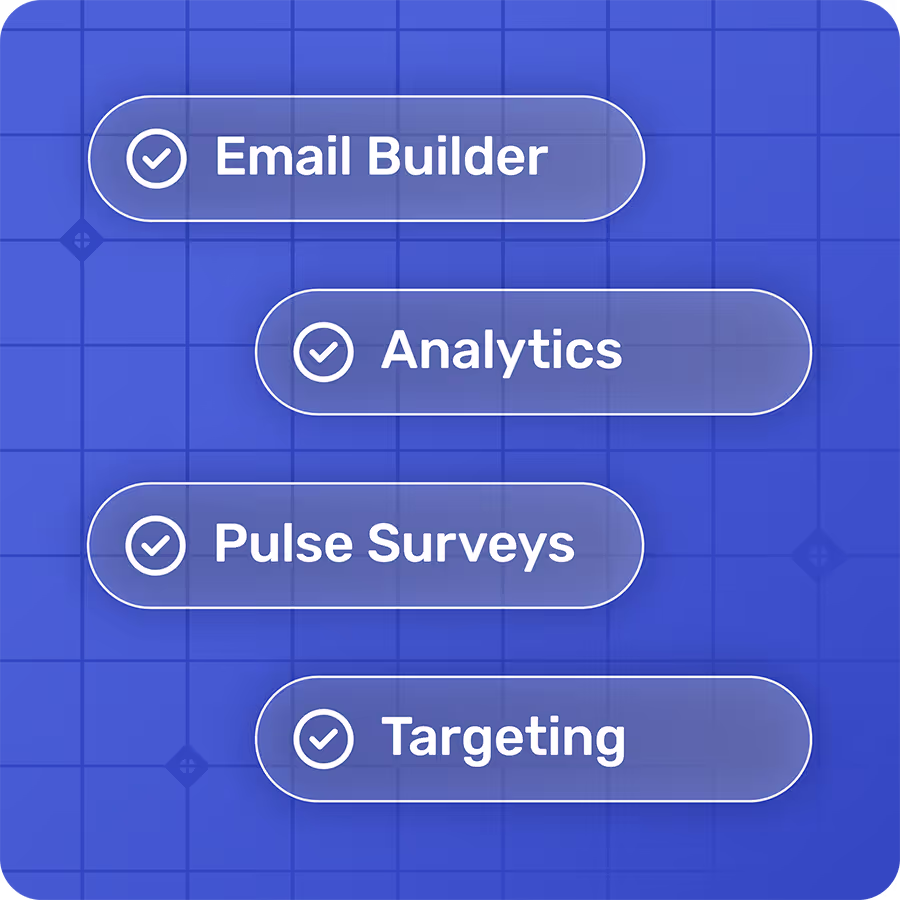
Foundations is free forever and includes Audience Manager, Blasts, Insights, and retargeting. You do not need a paid upgrade to replace the all-staff mailbox habit with live audiences and a second pass for people who did not engage. Audience Manager is where those audiences and segments sit day to day.
If the only safe target is everyone, you are still managing by noise. Run the employee audience manager workflow on the next high-stakes send. Lead with live segments, then retarget the quiet names and leave engaged readers alone.
Gmail was never designed for internal comms. Foundations was - and it's 100% free.
Foundations helps internal communicators send targeted employee emails, measure engagement, and collect feedback. No credit card. No setup fees. No contracts.
Learn more about FoundationsFAQ
What is an employee audience manager in internal communications?
An employee audience manager is the ops surface that holds live employee audiences and the segments you send from, then the retarget loop after send. In Cerkl Broadcast, Audience Manager is that surface on every plan, including free Foundations, so communicators target rules-based audiences from the manager surface.
Why do all-staff emails fail for internal comms teams?
All-staff emails fail because inclusive intent still produces irrelevant noise for people the message does not apply to, while leavers and new hires drift off static lists. Overload and generic-to-job tune-out follow, so attention drops even when the send looked complete on the calendar.
How do live employee directory audiences differ from static distribution lists?
Live employee directory audiences update from HRIS and directory attributes as people join and as roles change. Static distribution lists keep fixed membership until someone edits them by hand. Dynamic segments read live attributes; manual segments still cover committees and one-offs the org chart does not model.
How do you retarget employees who did not engage with an internal email?
After the original send, use Retarget Blast filters for people who did not open, did not click, or did neither. Schedule the follow-up up to 180 days out. People who engage before the retarget fires drop out of the holdout set, except subscribers whose privacy level is set to "Do not personalize my experience," who stay in every retarget audience because Broadcast collects no open or click metrics on them.
Can you use an employee audience manager on a free Foundations plan?
Yes. Foundations includes Audience Manager, dynamic and manual segments, Blasts, Insights, and retargeting with no paid upgrade required for that core internal email workflow.
Did you enjoy this content?
Please share it with your internal comms friends and colleagues.
Just click on any of the links below.