<script type="application/ld+json">
{ "@context": "https://schema.org", "@type": "FAQPage", "mainEntity": [ { "@type": "Question", "name": "Is there a free Gmail internal newsletter alternative?", "acceptedAnswer": { "@type": "Answer", "text": "Yes, and it works on top of Gmail. Foundations, the free plan of Cerkl Broadcast, is free forever with no credit card or contract. It includes 5,000 email sends a month, 3 communicator seats, Audience Manager, and Insights, and the newsletter still arrives in each employee's Gmail inbox." } }, { "@type": "Question", "name": "Can I keep sending to our Google Group?", "acceptedAnswer": { "@type": "Answer", "text": "Yes, for quick notes the Group works fine, and Google itself suggests mailing a group's address when a long list hits the limit. For the newsletter, import the Group's members into Foundations so you can segment and measure each send. Employees still read it in Gmail, so nothing changes on their side." } }, { "@type": "Question", "name": "Can I set a weekly newsletter to repeat automatically?", "acceptedAnswer": { "@type": "Answer", "text": "Gmail's schedule send is a one-time send per message, and its help page offers no repeat option. In Foundations, you schedule each edition, starting from a saved template or a duplicate of last week's, so the layout carries over and only the content changes." } }, { "@type": "Question", "name": "Will the newsletter look right in the Gmail app?", "acceptedAnswer": { "@type": "Answer", "text": "Foundations layouts are pretested across major clients including Gmail, which covers most of the risk. Still send a test and open it in the Gmail mobile app before the real send. Keep the newsletter short, because Gmail can clip a long message and hide the rest from readers." } }, { "@type": "Question", "name": "Does this work with Google Workspace SSO?", "acceptedAnswer": { "@type": "Answer", "text": "Yes. Google Workspace SSO, which is SAML-based, is available as an add-on on Foundations and included on Foundations+. You don't need SSO to get started, since you can import employees by CSV and send your first newsletter without it, then add SSO when your team wants it." } } ]
}
</script>
A Gmail Internal Newsletter Alternative That Keeps Gmail
A Gmail Internal Newsletter Alternative That Keeps Gmail
Gmail internal newsletter alternative: keep Gmail, add a free-forever plan with layouts tested in Gmail, audiences you control, and per-employee open data.
Written By:
Cerkl Research Team
Published:
November 10, 2026
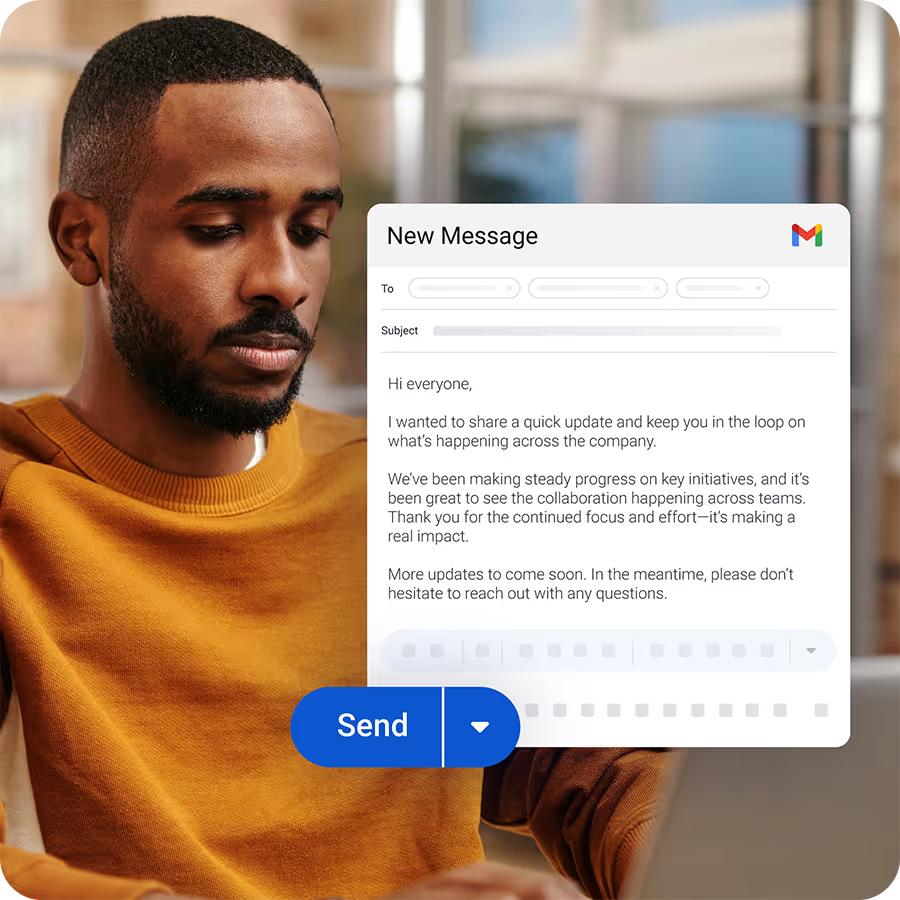
Sending employee emails from Gmail?
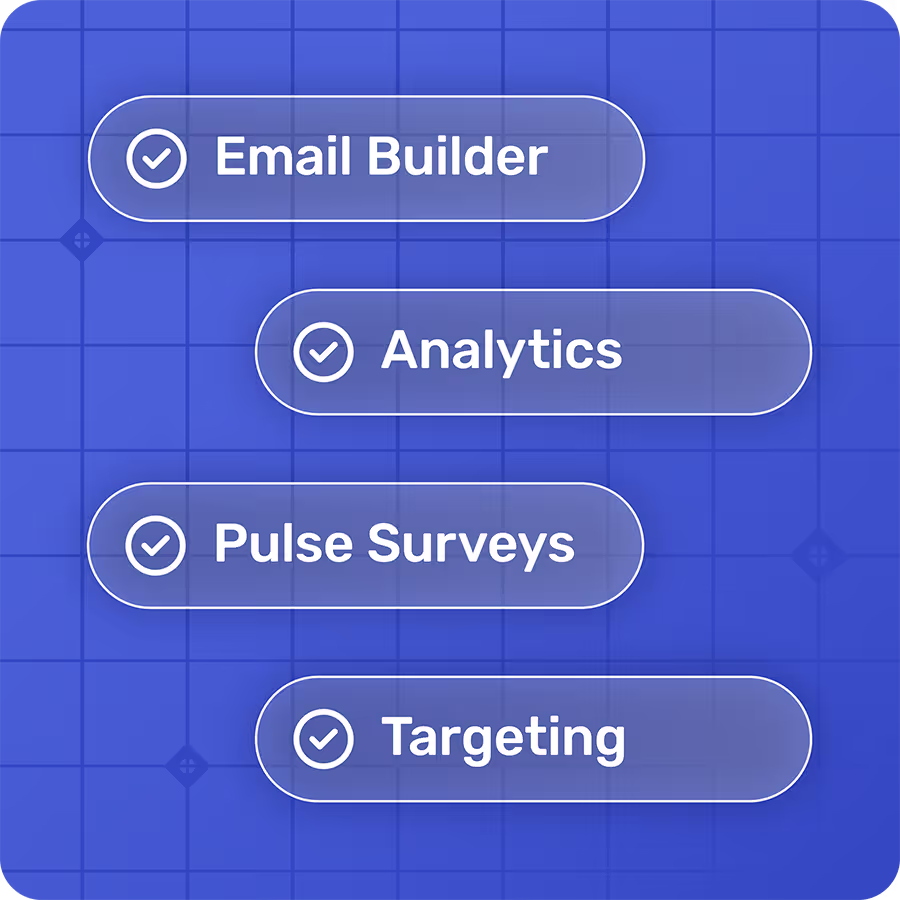
Foundations adds segmentation, engagement analytics, and pulse surveys to the Gmail emails you're already sending. Oh, Foundations is free too!
A Gmail internal newsletter alternative doesn't have to mean leaving Gmail. Keep it for mail and Calendar, because it does both well. The newsletter is the one job that outgrows it, once the email needs a real design and someone starts asking whether people read it. You add a free layer for building and measuring the newsletter on top of Gmail, and employees keep reading in the inbox they already use.
What Does Gmail Get Right About Sending an Internal Newsletter?
Start with the fair case, because it's a strong one. Everyone at a Google Workspace company already reads in Gmail, and a Google Group gives the whole company a single address to mail. Google itself points people in that direction, since Gmail's help page on sending limits suggests creating a Google Group of your recipients and sending to the group's address when a long list triggers an error. For a short, plain update to people who expect it, you can send an internal newsletter from Gmail and be done in ten minutes, and Gmail stays the right tool for one-to-one mail and Calendar invites either way.
Where Does a Google Workspace Internal Newsletter Outgrow Gmail?
Five problems show up once the email has a weekly slot and someone asking how it did. The first four cost you time every week, and the fifth leaves you without an answer when it matters.
Your Google Group or contact label is only as current as its last edit
A contact label belongs to whoever built it, so when that person goes on leave, the list goes with them. A Google Group is better because it's shared, but it stays accurate only if someone adds the new hire in Denver and removes the person who left in March. Google does offer groups that update themselves, and Google's documentation on dynamic groups explains that membership comes from a directory query and that you can't add people by hand. They need a Groups administrator, though, and they're limited to Enterprise-class editions. On most Business editions, nothing keeps a Group current automatically, which leaves a Google Groups internal newsletter with no audience sync you control without IT. Most people end up maintaining the list by hand, starting with the steps to create a contact group in Gmail, and then remembering to edit it every time HR sends a new-hire email.
Sending caps bite when you mail people instead of a group
On a paid Google Workspace account, Google's Workspace sending limits allow 2,000 recipients in a single message and 10,000 recipients a day, and after you hit one of those limits you can't send new messages for up to 24 hours. Trial accounts are capped at 500 messages a day, and personal Gmail shows the error above 500 recipients in one email. Be honest about how often this matters, because mailing your Group's address sidesteps most of it, and Google Groups runs on its own posting limits. The caps bite when you send to a contact label or a pasted column of addresses, and the Gmail sending limits post covers the details. They're also part of why "send to all employees" fails in a regular inbox.
Schedule send fires once, so every edition starts from scratch
Gmail's schedule send lets you pick a time for a message, with up to 100 scheduled emails, and the help page offers no repeat option. A weekly newsletter therefore means copying last week's message and rescheduling it with new content every week. There's a workaround for scheduling a recurring employee email in Gmail, and it's worth knowing where it falls short before you build a routine around it.
Long designed emails get clipped
Gmail templates handle reusable text well and go a long way for a recurring note. A long newsletter with images and pasted formatting is harder, because Gmail can clip a long message and hide the rest behind a "View entire message" link that plenty of readers never click. Clipping has a second cost. Twilio SendGrid's support documentation notes that when a message is clipped, the pixel at the end of the email that records opens doesn't load, so a clipped newsletter can also go uncounted in any tool.
Gmail can't tell you who read it
Read receipts look like the answer until you read the fine print. Google's admin page on read receipts says they don't work with personal Gmail accounts, an admin has to turn them on, recipients may have to approve each receipt, and Gmail doesn't send them to groups or mailing lists at all. That last point settles it for an all-staff send to your Google Group, which comes back with nothing. The same page also advises against relying on read receipts to verify delivery. You're left with no dependable way to see who read it, and what Gmail analytics can report on employee email won't help much when your CEO asks whether the field team saw the benefits deadline.
Writing a great employee newsletter is only half the job.
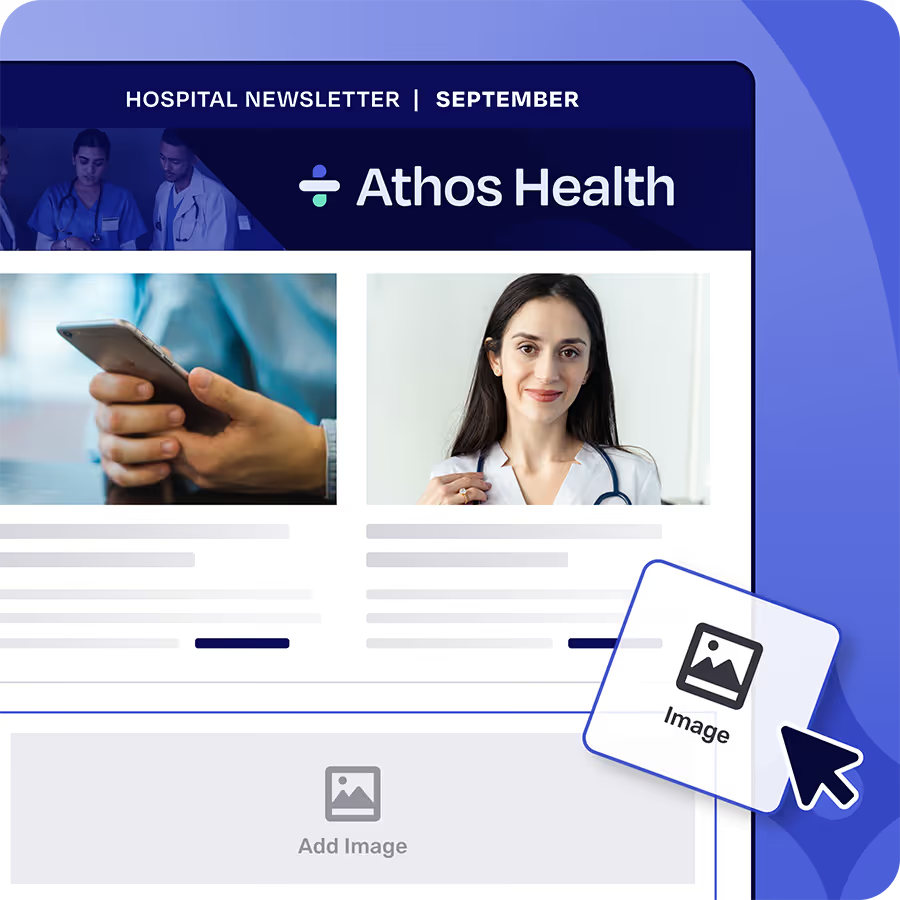
Foundations makes employee newsletter building a snap with a drag and drop email builder. Plus Foundations helps you target newsletters to the right employees and measure engagement so important updates don’t get ignored. Free. Forever.
What Should an Alternative to Gmail for Internal Newsletters Add?
An add-on earns its place only if it fixes the five problems above. Judge it on whether you can update audiences yourself, send without a per-message recipient cap to split around, run a weekly edition without rebuilding it, rely on layouts tested in Gmail on desktop and mobile, and see per-employee data on what happened, with a confirmed read when the message matters.
An alternative to Gmail for internal newsletters has to fix five things: audiences, sending, cadence, layouts and data.
Foundations, the free plan of Cerkl Broadcast, is built as that layer. It's free forever with no credit card, and it doesn't ask anyone to stop using Gmail, since the newsletter still lands in the same inbox. Audience Manager holds your employees in one place, starting from a CSV, and once you connect HR data, rules-based segments stay current as people join and leave. That's the audience sync a Business-edition Google Group doesn't give you, and you run it yourself.
For the weekly cadence, schedule each edition starting from a saved template or a duplicate of last week's, so you change the content without rebuilding the layout. Layouts are pretested across major clients including Gmail, which takes most of the guesswork out of how the newsletter looks on a phone, although a test send is still worth the two minutes.
Readership is where precision matters. Email analytics in Insights shows delivers, opens, and clicks for each employee, which is far more than a Google Group send returns. Treat those numbers as signals of what happened. Security scanners can open messages on an employee's behalf, and a clipped email can hide an open, so only an acknowledgment confirms a read. The employee clicks the acknowledgment in the email, confirms on a Cerkl-hosted page, and the timestamp lands in your report. Acknowledgments come with every plan, and they're best saved for must-read messages like a policy change, because asking people to confirm they read the lunch menu spends goodwill you'll want later.
Where Does the Free Plan Stop?
Know the limits before you import anyone. Foundations includes 5,000 email sends a month, where one send is one email to one person. At the cap, sends stop unless billing details are on file, and with them on file, overages are $0.09 an email. You get 3 communicator seats, with extra seats at $75 a month each. Calendar invites and API access aren't included, and SSO, including Google Workspace, is an add-on.
The plan also covers one email domain, with Restrict Domains always on, so addresses on any other domain can't be imported. Check this if your Workspace tenant uses more than one domain or alias, or if contractors use their own domain.
Multiply your headcount by the editions you send each month to see where you land against the allowance. Be clear about volume as well. Workspace's daily limits are higher than this plan's monthly one, so Foundations won't out-send Gmail. It removes the per-message cap you'd otherwise split around and gives you a per-employee record of what happened after you hit send. If the limits start to pinch, upgrades happen in place on the same account, with nothing rebuilt.
How Do You Start a Free Newsletter Layer on Top of Gmail?
This takes an afternoon, and you can try it on one edition before you commit to anything.
Get your list. Export the members of your Google Group or contact label, or ask whoever manages the Group for the current list.
Import it by CSV. Put Email in the first column. No IT is needed for this step, and you can connect HR data later.
Rebuild the newsletter from a template. Move this week's content in, then save it as your starting point for next week.
Send a test. Send it to yourself and a colleague, and open it in the Gmail mobile app as well as on desktop.
Try one team first. Pick a group that will tell you if something looks off.
Check Insights. Look at each employee's activity, and add an acknowledgment when you need a confirmed read.
One step can involve IT. Cerkl's sender authentication guide uses CNAME records in DNS, and mail that fails authentication is more likely to land in spam, so IT may need to add the records before your first all-staff send. A short note to whoever manages your domain usually settles it.
Employees keep reading in Gmail, and you can keep the Google Group for quick notes that don't need a design or a report. Only the place where you build and measure the newsletter changes. Pick your next edition and start it free on Cerkl Broadcast Foundations.
Gmail was never designed for internal comms. Foundations was - and it's 100% free.
Foundations helps internal communicators send targeted employee emails, measure engagement, and collect feedback. No credit card. No setup fees. No contracts.
Is there a free Gmail internal newsletter alternative?
Yes, and it works on top of Gmail. Foundations, the free plan of Cerkl Broadcast, is free forever with no credit card or contract. It includes 5,000 email sends a month, 3 communicator seats, Audience Manager, and Insights, and the newsletter still arrives in each employee's Gmail inbox.
Can I keep sending to our Google Group?
Yes, for quick notes the Group works fine, and Google itself suggests mailing a group's address when a long list hits the limit. For the newsletter, import the Group's members into Foundations so you can segment and measure each send. Employees still read it in Gmail, so nothing changes on their side.
Can I set a weekly newsletter to repeat automatically?
Gmail's schedule send is a one-time send per message, and its help page offers no repeat option. In Foundations, you schedule each edition, starting from a saved template or a duplicate of last week's, so the layout carries over and only the content changes.
Will the newsletter look right in the Gmail app?
Foundations layouts are pretested across major clients including Gmail, which covers most of the risk. Still send a test and open it in the Gmail mobile app before the real send. Keep the newsletter short, because Gmail can clip a long message and hide the rest from readers.
Does this work with Google Workspace SSO?
Yes. Google Workspace SSO, which is SAML-based, is available as an add-on on Foundations and included on Foundations+. You don't need SSO to get started, since you can import employees by CSV and send your first newsletter without it, then add SSO when your team wants it.
Did you enjoy this content? Please share it with your internal comms friends and colleagues. Just click on any of the links below.