<script type="application/ld+json">
{ "@context": "https://schema.org", "@type": "FAQPage", "mainEntity": [ { "@type": "Question", "name": "Is there a free Outlook internal newsletter alternative?", "acceptedAnswer": { "@type": "Answer", "text": "Yes. Foundations, the free plan of Cerkl Broadcast, is free forever with no credit card or contract. It includes 5,000 email sends a month and 3 communicator seats, along with pretested layouts and Insights with per-employee delivers, opens, and clicks. It covers a single email domain." } }, { "@type": "Question", "name": "Do employees have to stop using Outlook if we add Foundations?", "acceptedAnswer": { "@type": "Answer", "text": "No. Employees keep reading the newsletter in their Outlook inbox like any other email, and nobody needs a new app to receive it. You keep Outlook for one-to-one mail and calendar invites. Only the place where you build and measure the newsletter changes." } }, { "@type": "Question", "name": "Can't I use Microsoft's Newsletters feature in Outlook instead?", "acceptedAnswer": { "@type": "Answer", "text": "You can, and it may cover the job. It's built for recurring internal updates, and you author it in new Outlook or on the web. An admin can turn it off. A Microsoft moderator described its analytics as aggregated per newsletter, and we found no per-employee read view in Microsoft's documentation." } }, { "@type": "Question", "name": "Can Foundations send more email than Outlook?", "acceptedAnswer": { "@type": "Answer", "text": "On raw volume, no. A Microsoft 365 work or school account allows 10,000 recipients a day, and Foundations includes 5,000 sends a month. Foundations gives you no per-message cap to batch around and per-employee delivers, opens, and clicks, with acknowledgments to confirm a read on must-read messages." } }, { "@type": "Question", "name": "Do I need IT to start sending our newsletter from Foundations?", "acceptedAnswer": { "@type": "Answer", "text": "Not to get started. You can open a Foundations account with no contract or procurement and import your list by CSV without IT. IT may still need to help with sender authentication, which uses DNS records, and with allow-listing image domains for Outlook. Ask them before your first all-staff send." } } ]
}
</script>
An Outlook Internal Newsletter Alternative That Stays Free
An Outlook Internal Newsletter Alternative That Stays Free
Outlook internal newsletter alternative: a free-forever plan with pretested layouts, audiences you control, and per-employee delivers, opens, and clicks.
Written By:
Cerkl Research Team
Published:
November 11, 2026
Send employee emails from Outlook?
Foundations adds targeting, engagement analytics, and pulse surveys to the Outlook emails you're already sending. Upgrade your internal email game with Foundations. Oh, it's free too.
Keep Outlook for everyday mail. When the all-staff newsletter outgrows it (layouts, lists, limits, proof of reading), add Foundations, Cerkl Broadcast's free-forever plan, on top. Employees still read it in Outlook.
Outlook handles a short, plain staff update well. It runs out once that email becomes a recurring newsletter you need to design and measure. If you're looking for an Outlook internal newsletter alternative, the question is what the job has grown into, and whether you can cover it without adding a line to the budget.
When Is Outlook Enough for Internal Communications?
Outlook internal communications work fine when the message is short and going to people who expect it. You've already paid for the software and employees already live in it, so nobody needs training to read what lands in their inbox. A note about the parking lot or a two-line reminder about Friday's deadline doesn't call for a design system or a dashboard. Outlook also stays the right tool for one-to-one mail and calendar invites.
If a plain update is all you send and nobody asks who saw it, stay put and follow the steps for building and sending a newsletter in Outlook. Once that quick all-staff email eats most of a Tuesday, the problems below will look familiar.
Where Does an Outlook Newsletter Start to Break Down?
You'll meet four problems once the email has a design and a schedule and someone asks how it did. The first three cost you time, and the fourth leaves you without an answer to that question.
Designed layouts render differently across Outlook versions
The two-column layout that looked tidy in your test can arrive misaligned for part of the office. Classic Outlook for Windows, which has long rendered email with Word's engine, can show a layout differently from new Outlook. An independent advisor's accepted answer on Microsoft Q&A describes the result today, with a template appearing correctly in new Outlook while showing alignment or formatting issues in classic. Microsoft's guide to new Outlook availability says it will honor published support timelines for existing classic versions until at least 2029, so if your office runs a mix of the two, plan on designing for both for a while.
Sending limits turn one newsletter into a batching job
On a Microsoft 365 work or school account, Microsoft's mailbox settings reference puts the default at 500 recipients per message, which an admin can set from 1 to 1,000, and its Exchange Online limits cap each user at 10,000 recipients per day. Many all-staff sends never touch those numbers, because the same limits page counts a distribution group in the organization's shared address book as one recipient, while each member of a personal list counts separately. Getting a directory group tends to mean asking an admin. Anyone sending to a long personal list or pasted addresses runs into Outlook's sending limits and starts splitting one newsletter into batches.
Distribution lists go stale between sends
People join and change departments, and a static list records neither. A personal contact list stays current only as long as someone remembers to update it, and how lists are created and maintained varies across versions of Outlook. Dynamic distribution groups help, since membership comes from rules on directory attributes, and Microsoft's documentation on dynamic groups says the membership list refreshes at least once every 24 hours. Someone with assigned permissions has to create them in the Exchange admin center or PowerShell, though, and they're only as accurate as the directory attributes they read.
For most newsletter owners, that adds up to no audience sync you control without IT. You start hunting for an Outlook distribution list alternative about then, often after learning why static all-employee lists lose relevance from the person who left in March and still gets the newsletter.
You can't dependably see who read it
Ordinary mail sent from your inbox gives you read receipts and very little else. Microsoft's support page on read receipts says a recipient can decline to send one and a sender can't force one. The receipts that do come back confirm only that the message was opened, and they arrive one at a time with no roll-up into a report, so you get a cluttered inbox in place of an answer. That leaves no dependable way to see who read it, and what Outlook's email tracking can report won't help much when a VP asks whether the warehouse team saw the benefits change.
What About Microsoft's Newsletters Feature in Outlook?
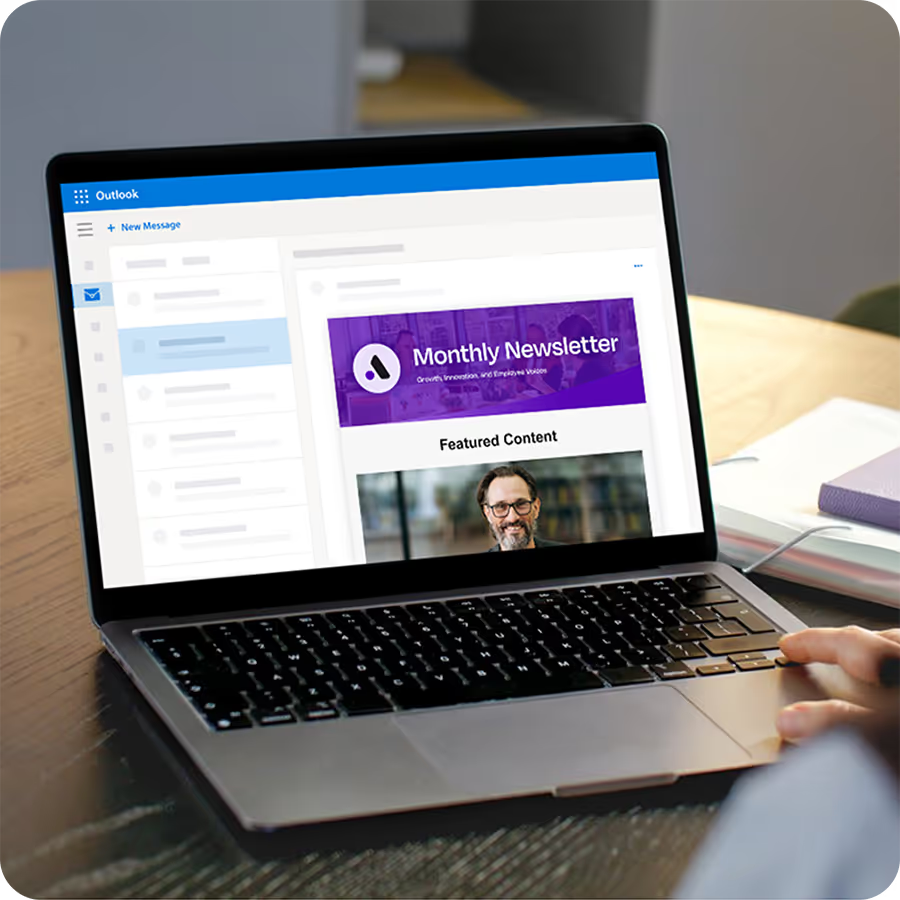
Outlook Newsletters is live. Microsoft's admin documentation lists it as generally available in new Outlook for Windows and Outlook on the web, and it's built for designed, recurring updates to internal audiences. For anyone wrestling with pasted tables, that's a real improvement.
Authoring happens in new Outlook or on the web, and an admin can switch it off. Readers on classic Outlook may still see the layout differences described above. On measurement, Microsoft's how-to page says owners can see analytics and subscribers and export the newsletter's data, and a moderator on Microsoft's Q&A forum described those analytics as aggregated per newsletter. We found no per-employee read view in Microsoft's documentation. If the feature covers your job, use it and skip adding a tool.
Writing a great employee newsletter is only half the job.
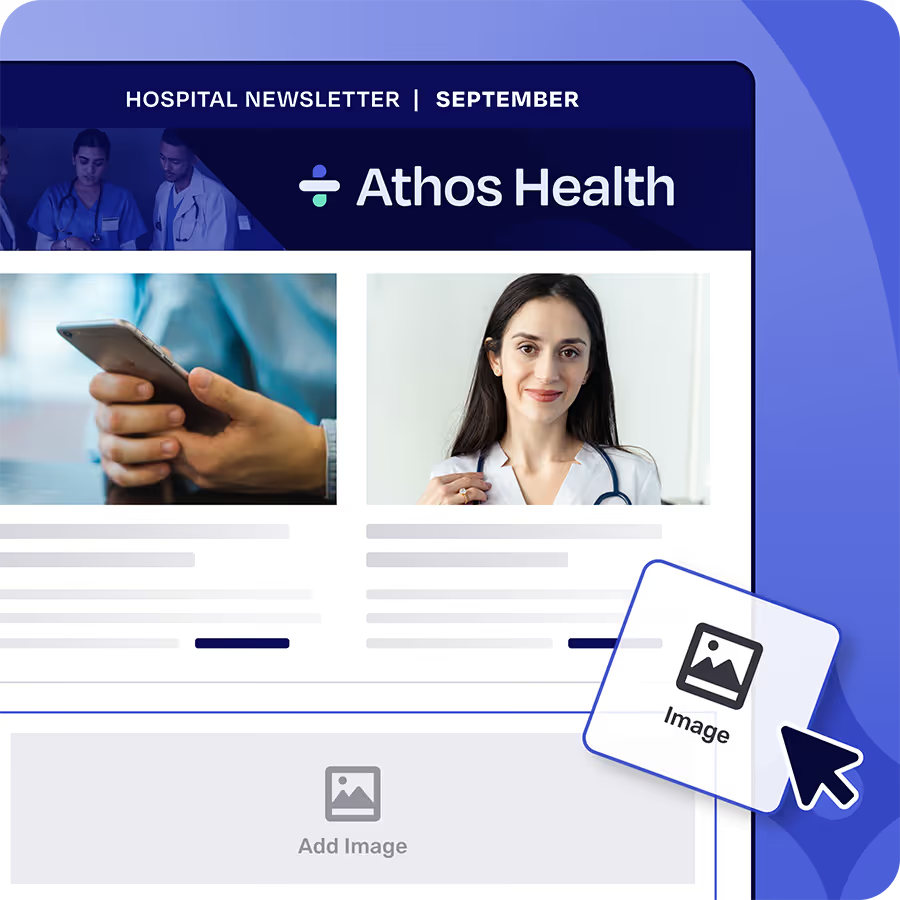
Foundations makes employee newsletter building a snap with a drag and drop email builder. Plus Foundations helps you target newsletters to the right employees and measure engagement so important updates don’t get ignored. Free. Forever.
What Should an Alternative to Outlook for Internal Newsletters Give You?
Whatever you add on top of Outlook has to fix the four problems above, or it's one more tool to log in to. That gives you a short checklist of layouts tested across email clients, audiences that stay current, no per-message cap to batch around, and per-employee data on what happened to each email.
Outlook internal newsletter alternative checklist: tested layouts, current audiences, no per-message cap, per-employee data.
Foundations, the free plan of Cerkl Broadcast, is our answer to that checklist. Cerkl pretests layouts across major clients including Outlook, which lowers the odds of a surprise, although classic Outlook still applies its own rules when a message opens. Audience Manager holds your people in one place, starting from a CSV, and once you connect HR data, rules-based segments update on the next sync as employee records change. There's no per-message cap, so nobody has to split a send into batches, though the monthly allowance below still applies.
Be precise about what the readership data tells you. Email analytics in Insights shows delivers, opens, and clicks for each employee, which beats a pile of one-at-a-time receipts. Those numbers stop short of a read, since security scanners can open messages and click links on an employee's behalf. Only an acknowledgment confirms a read. The employee clicks the element in the email and confirms on a landing page, and Broadcast records the timestamp in your report. Acknowledgments are on every plan, and they're best saved for must-read messages like a policy change, since requesting one for the cafeteria menu will use up goodwill fast.
Then there's the word "free." As you compare free internal communications software, check what a free-forever plan should include, and check any free internal newsletter tool for a trial clock or a credit card field. Foundations has neither, and it's free forever with no contract or setup fees.
What Are the Limits of the Free Plan?
Four limits decide whether this plan fits, so check them before you import anyone.
Sends: 5,000 email sends a month, where one send is one email to one person. At the cap, sends stop unless billing details are on file. With them, overages are $0.09 an email.
Seats: 3 communicator seats, with extra seats at $75 a month each.
Domain: a single email domain, with Restrict Domains permanently on. Addresses on any other domain can't be imported, which matters if you have contractors on their own domain or a second company domain.
Not included: calendar invites and API access. SSO is a paid add-on.
A weekly newsletter to about 1,000 people uses 4,000 to 5,000 sends a month, which is most or all of the allowance, while a 200-person team gets about 25 all-staff sends a month. Multiply your headcount by your monthly editions before you commit to a cadence.
Outlook's published daily cap is higher than this plan's monthly allowance, at 10,000 recipients a day on a work or school account against 5,000 sends a month, so Foundations won't out-send it. Raw volume seldom decides this for a newsletter owner, because the job is one considered email to a known audience. You get no per-message cap to batch around and a per-employee record of what happened after you hit send. If the limits start to bite later, you upgrade in place on the same account and rebuild nothing.
How Do You Add a Newsletter Tool Without Leaving Outlook?
You don't need a project plan. You can open a Foundations account with no contract or procurement, and this order keeps the risk small.
Pull your list members. Export them, or ask whoever manages the group for the current membership.
Import them by CSV. Put Email in the first column of the file. CSV is the quick path, and connecting HR data comes next.
Rebuild the newsletter from a template. Start from a pretested layout and move your content in.
Test it. Send a sample to yourself and a few colleagues, including someone on classic Outlook if your office has both.
Try a small group. Pick a department that will tell you if something looks off.
Check who opened. Insights shows delivers, opens, and clicks for each person. Treat those as signals, and add an acknowledgment when you need a confirmed read.
Talk to IT before the first all-staff send, because two settings can need someone with admin rights. Cerkl's sender authentication guide has you add CNAME records in DNS, and mail that fails authentication is more likely to land in spam. Cerkl also recommends allow-listing image measurement domains through group policy, since Outlook may otherwise block images and you lose visibility into how people interact with the email. A first send may report with gaps, so say that out loud before anyone reads the dashboard like a verdict. A short note to whoever runs your DNS and email security will settle what your setup needs.
Employees keep reading in Outlook, since that's where the email lands, and you keep Outlook for one-to-one mail and invites. You change one thing, the place where you build and measure the newsletter. If your all-staff email has outgrown the inbox, pick your next edition and start it free on Cerkl Broadcast Foundations with your next edition.
Outlook works for email. Internal communication needs more.
Why use a tool not built for internal communication when Foundations is free? No credit card, no setup fees, no contracts.
Is there a free Outlook internal newsletter alternative?
Yes. Foundations, the free plan of Cerkl Broadcast, is free forever with no credit card or contract. It includes 5,000 email sends a month and 3 communicator seats, along with pretested layouts and Insights with per-employee delivers, opens, and clicks. It covers a single email domain.
Do employees have to stop using Outlook if we add Foundations?
No. Employees keep reading the newsletter in their Outlook inbox like any other email, and nobody needs a new app to receive it. You keep Outlook for one-to-one mail and calendar invites. Only the place where you build and measure the newsletter changes.
Can't I use Microsoft's Newsletters feature in Outlook instead?
You can, and it may cover the job. It's built for recurring internal updates, and you author it in new Outlook or on the web. An admin can turn it off. A Microsoft moderator described its analytics as aggregated per newsletter, and we found no per-employee read view in Microsoft's documentation.
Can Foundations send more email than Outlook?
On raw volume, no. A Microsoft 365 work or school account allows 10,000 recipients a day, and Foundations includes 5,000 sends a month. Foundations gives you no per-message cap to batch around and per-employee delivers, opens, and clicks, with acknowledgments to confirm a read on must-read messages.
Do I need IT to start sending our newsletter from Foundations?
Not to get started. You can open a Foundations account with no contract or procurement and import your list by CSV without IT. IT may still need to help with sender authentication, which uses DNS records, and with allow-listing image domains for Outlook. Ask them before your first all-staff send.
Did you enjoy this content? Please share it with your internal comms friends and colleagues. Just click on any of the links below.